
Add your logo and photos
Upload your logo and at least three photos of the school, classrooms or accommodation.
Steps
Go to Photos.
In Logo, choose Whole logo or Crop to a square and upload the file. You can replace or remove it later.
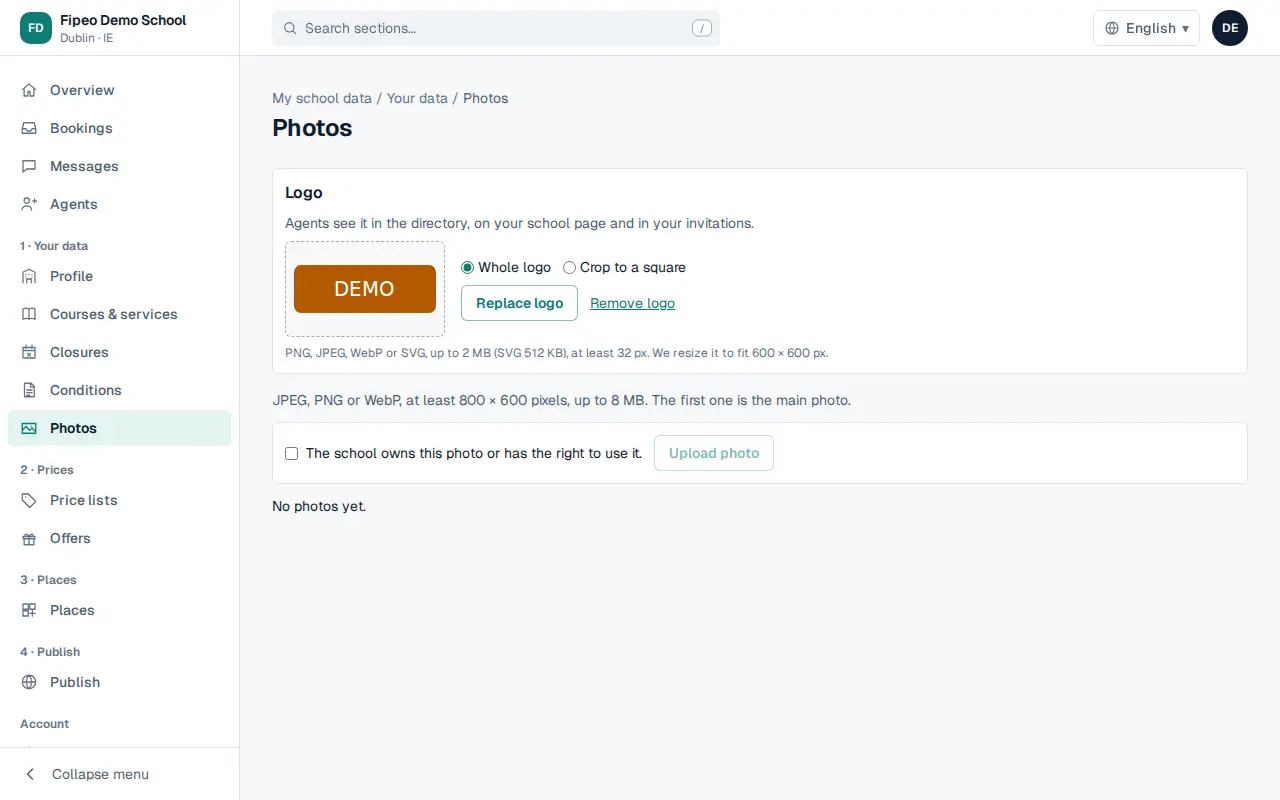
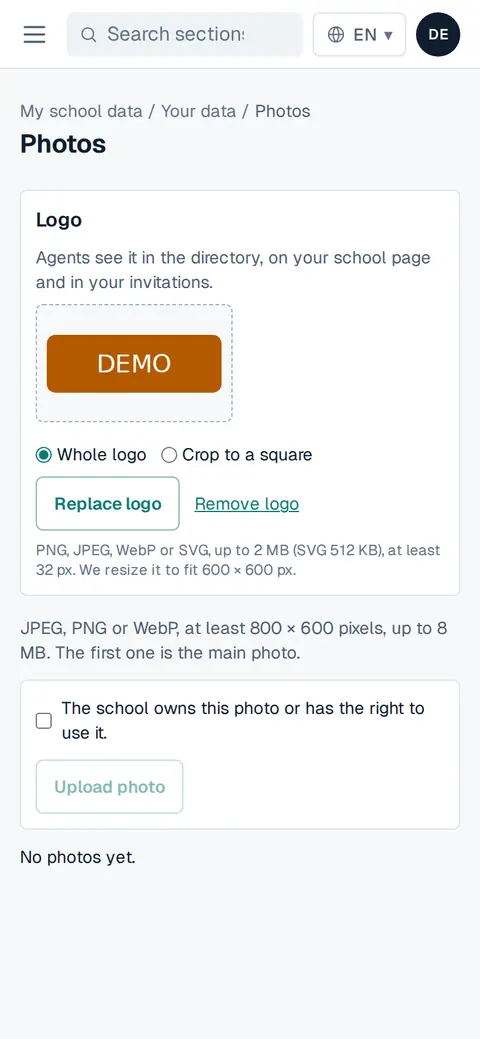
Screenshot: In Logo, choose Whole logo or Crop to a square and upload the file. You can replace or remove it later. Below, choose a photo, tick The school owns this photo or has the right to use it and press Upload photo.
Add at least 3 photos: the overview stops asking for them when you have enough.