
Closures and public holidays
Tell Fipeo when your school is closed so nobody books on those dates.
Steps
Go to Closures and press + Add.
Choose the type (for example School closed), give it a name, the dates and what happens (for example, courses cannot start). Tick Every year on the same dates for fixed holidays.
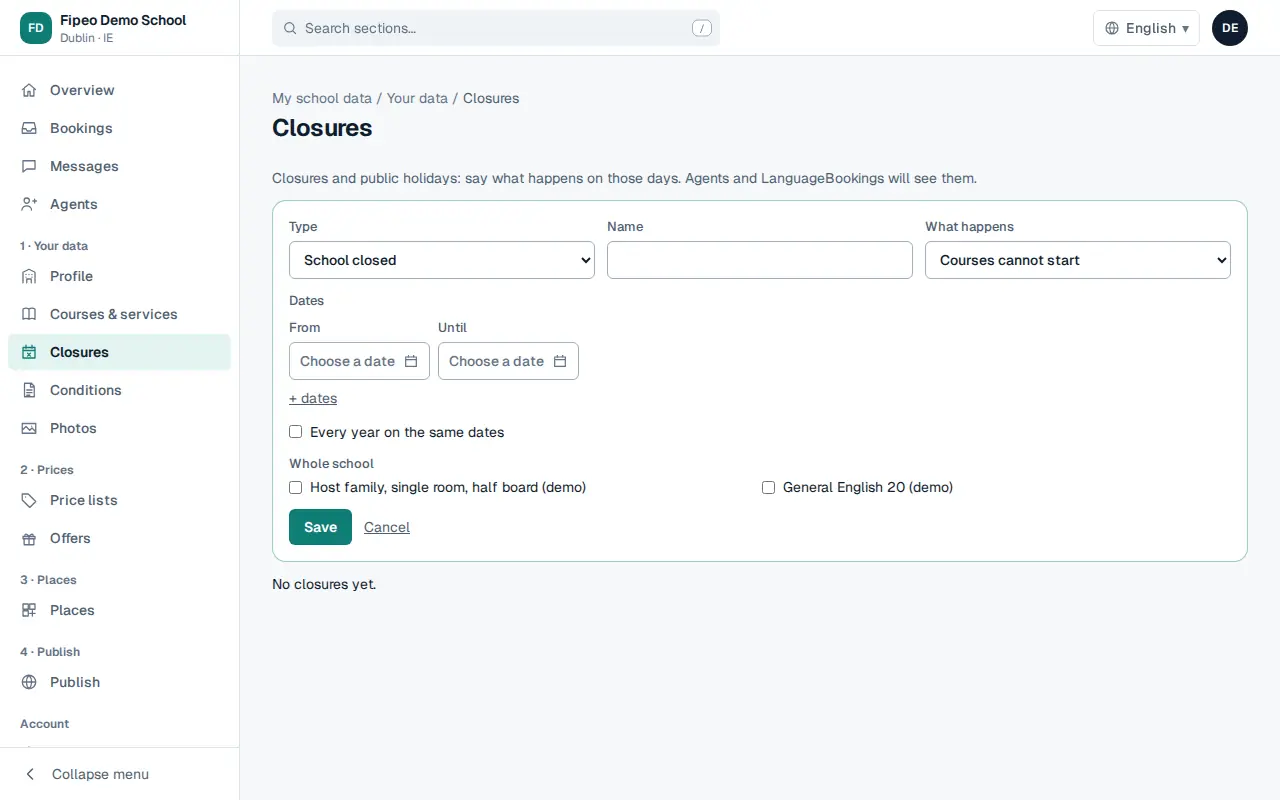
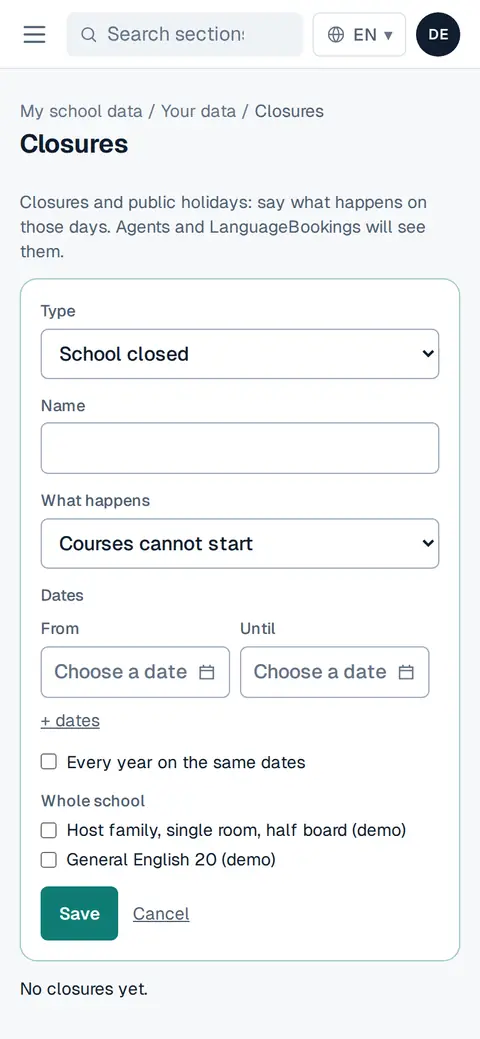
Screenshot: Choose the type (for example School closed), give it a name, the dates and what happens (for example, courses cannot start). Tick Every year on the same dates for fixed holidays. Choose whether it affects the whole school or only some courses or accommodation, and press Save.