
Users of your school
Invite the people of your school who need to enter, and require two-step verification.
Steps
Go to Users. Write the name and email of the person and press Invite.
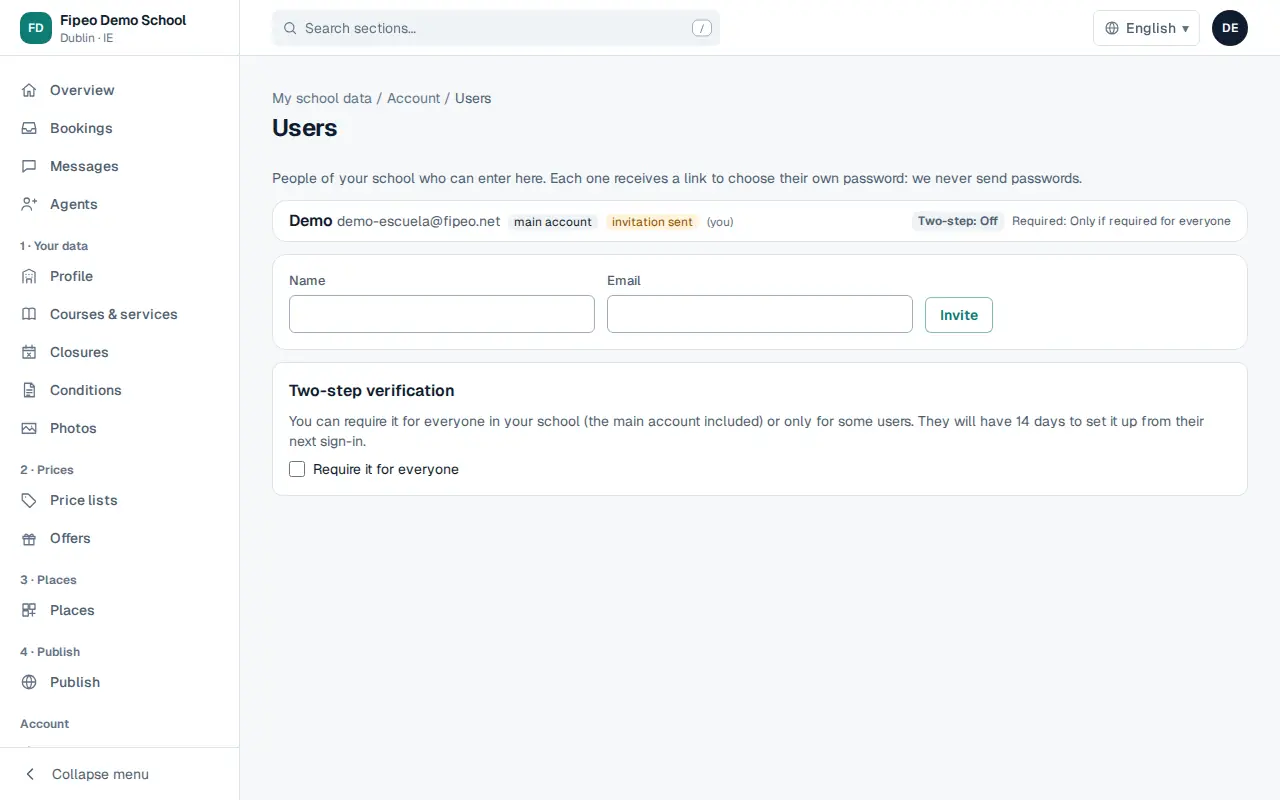
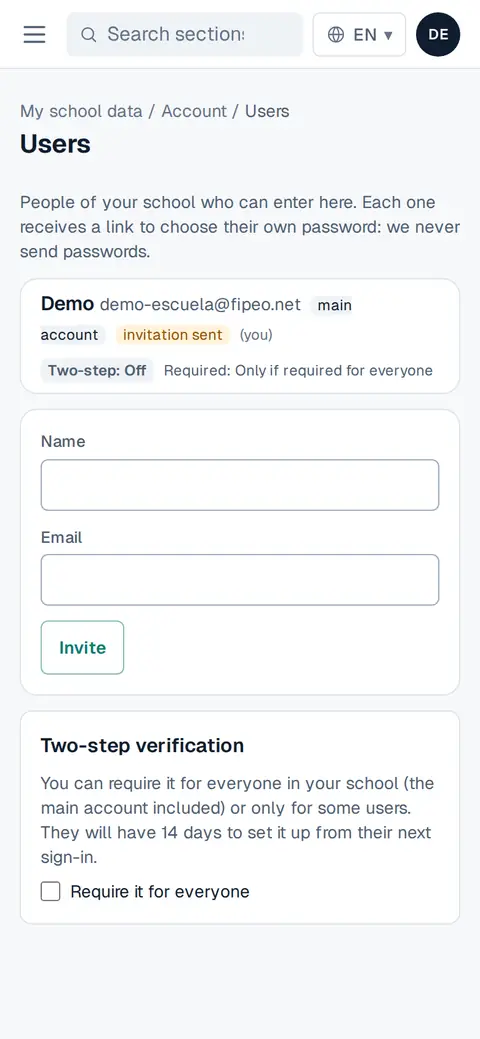
Screenshot: Go to Users. Write the name and email of the person and press Invite. They receive a link to choose their own password: we never send passwords.
In Two-step verification, tick Require it for everyone to protect your school's data.