
Bank details and how students pay you
Check your bank details, confirm they are correct and add other payment methods.
Steps
Go to Bank & commission (under Settings, at the bottom of the menu). You see your commission with LanguageBookings.com and your bank details.
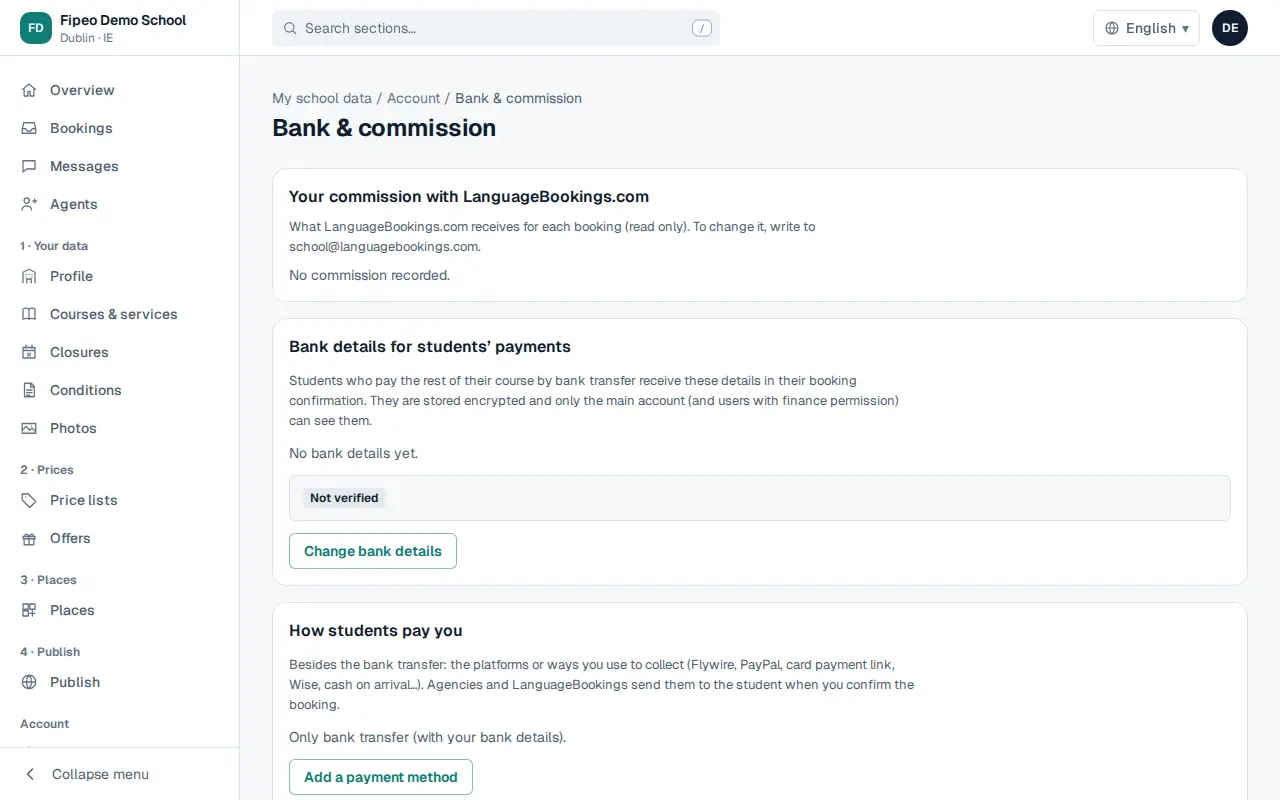
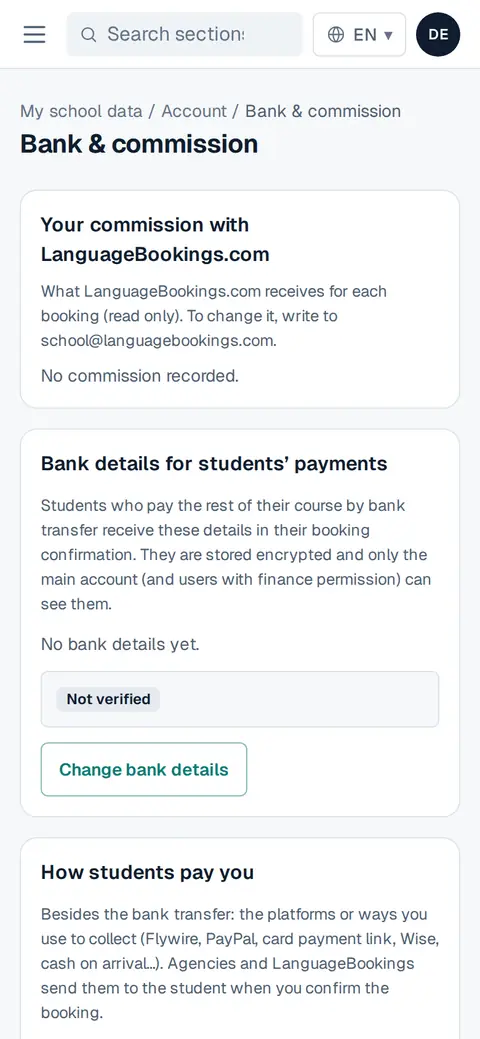
Screenshot: Go to Bank & commission (under Settings, at the bottom of the menu). You see your commission with LanguageBookings.com and your bank details. Check them and press My payment details are correct. To change them, press Change bank details.
A change is not applied at once: the main account of the school gets an email to confirm it within 48 hours. This protects you from fraud.
In How students pay you press Add a payment method (transfer, Flywire, PayPal, card link, Wise, cash on arrival…) with its instructions.