
Settings of your school
Language, email notifications and your default conditions with agents.
Steps
Go to Settings. Choose your Language and which Email notifications you want (new bookings, new messages).
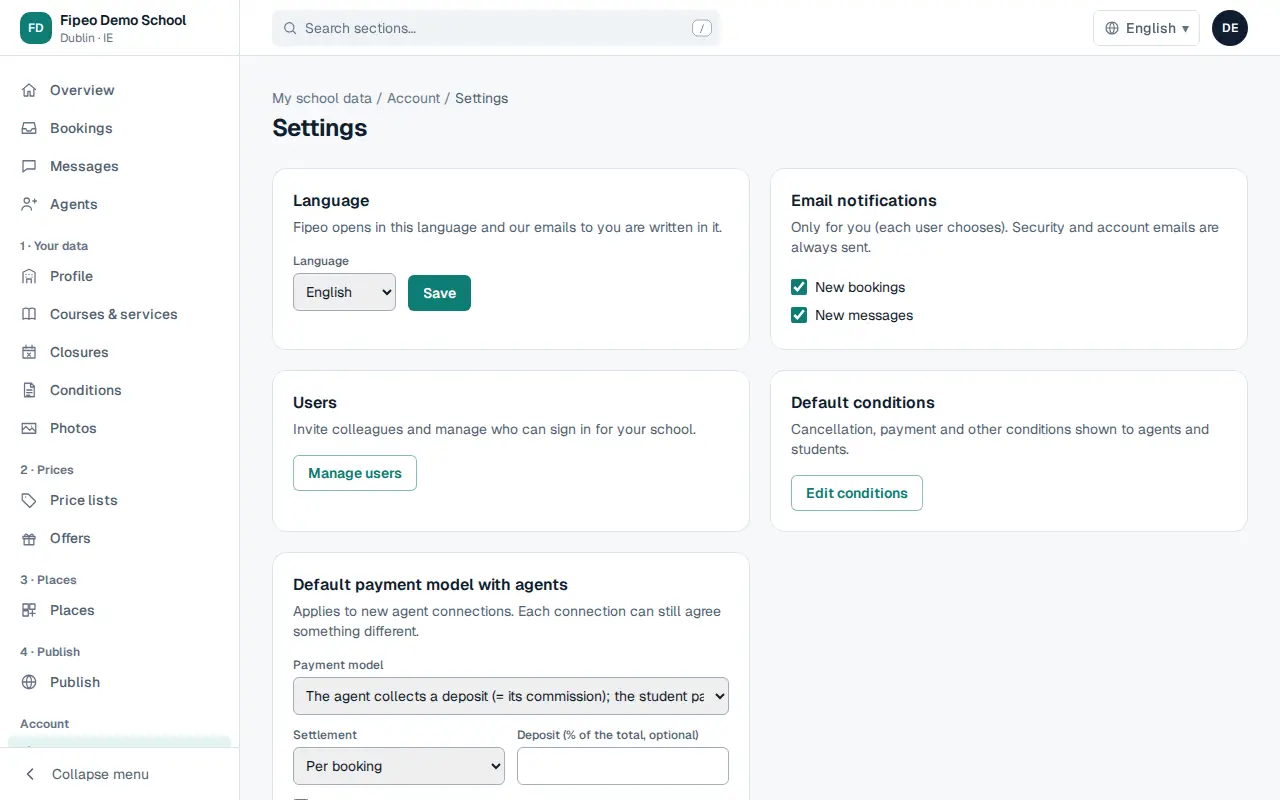
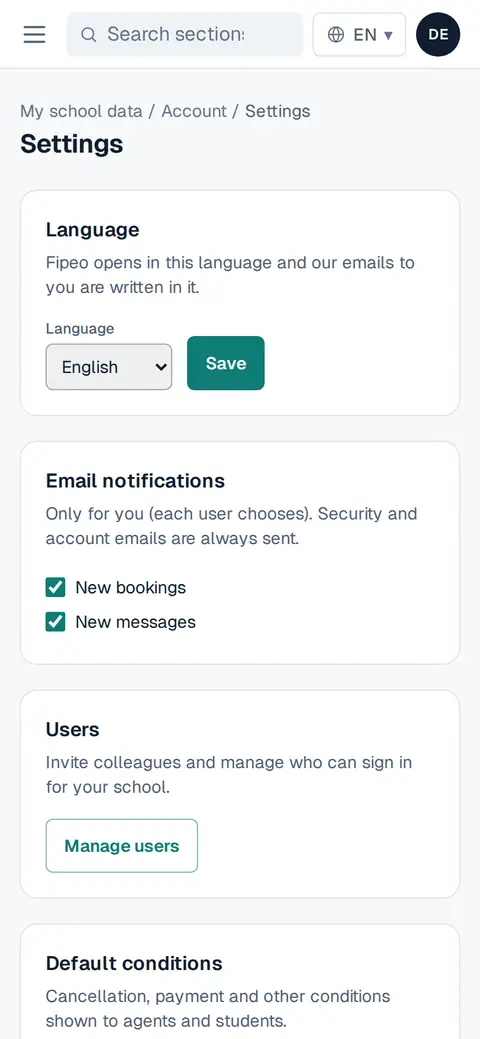
Screenshot: Go to Settings. Choose your Language and which Email notifications you want (new bookings, new messages). In Default conditions choose your usual payment model with agents, the settlement (per booking, weekly or monthly) and the deposit.
Press Save. These conditions are proposed to new agents; you can change them for each one.