
Import students from a spreadsheet
Bring your students from a CSV or Excel file and check everything before it is saved.
Steps
Go to Students and press Import (or open Import students).
Press Download the CSV template if you need it, then choose your file (.csv, .txt or .xlsx) and press Upload and continue.
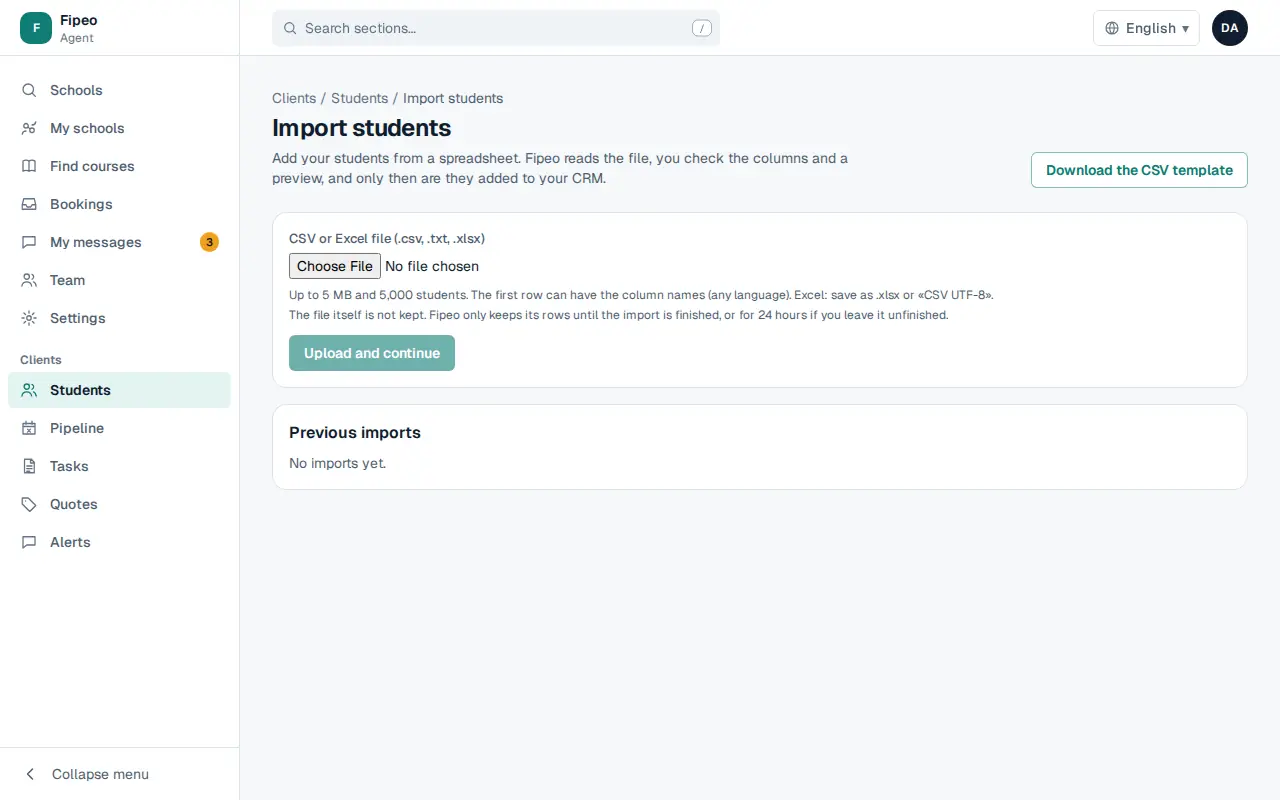
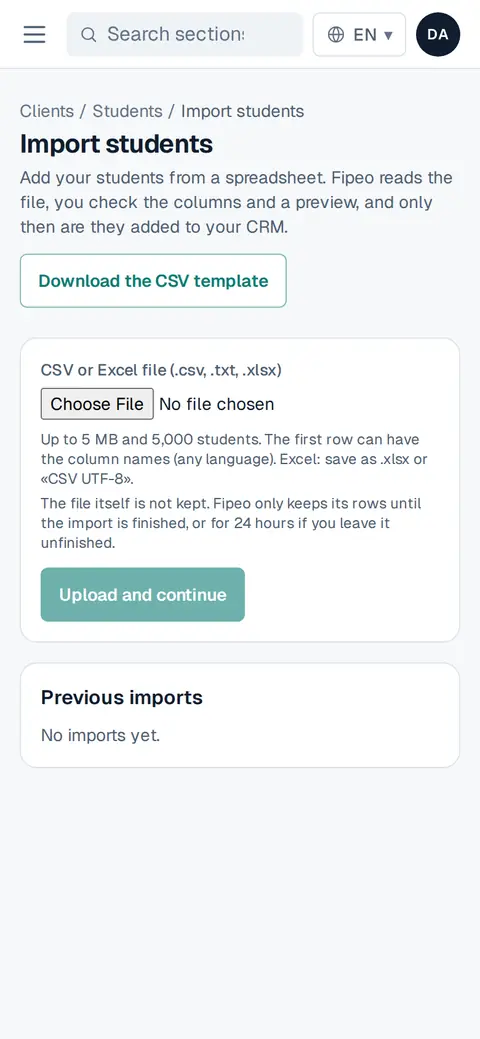
Screenshot: Press Download the CSV template if you need it, then choose your file (.csv, .txt or .xlsx) and press Upload and continue. Fipeo suggests a field for each column: check them, press See the preview and confirm. Only then are the students added to your CRM.
In Previous imports you see what was imported.