
Students, pipeline and tasks
Keep your students, their opportunities and your follow-ups in one place.
Short video without sound. Subtitles are on; you can change the language in the player.
Steps
Go to Students and press New student. Record their details and how they agreed that you keep their data.
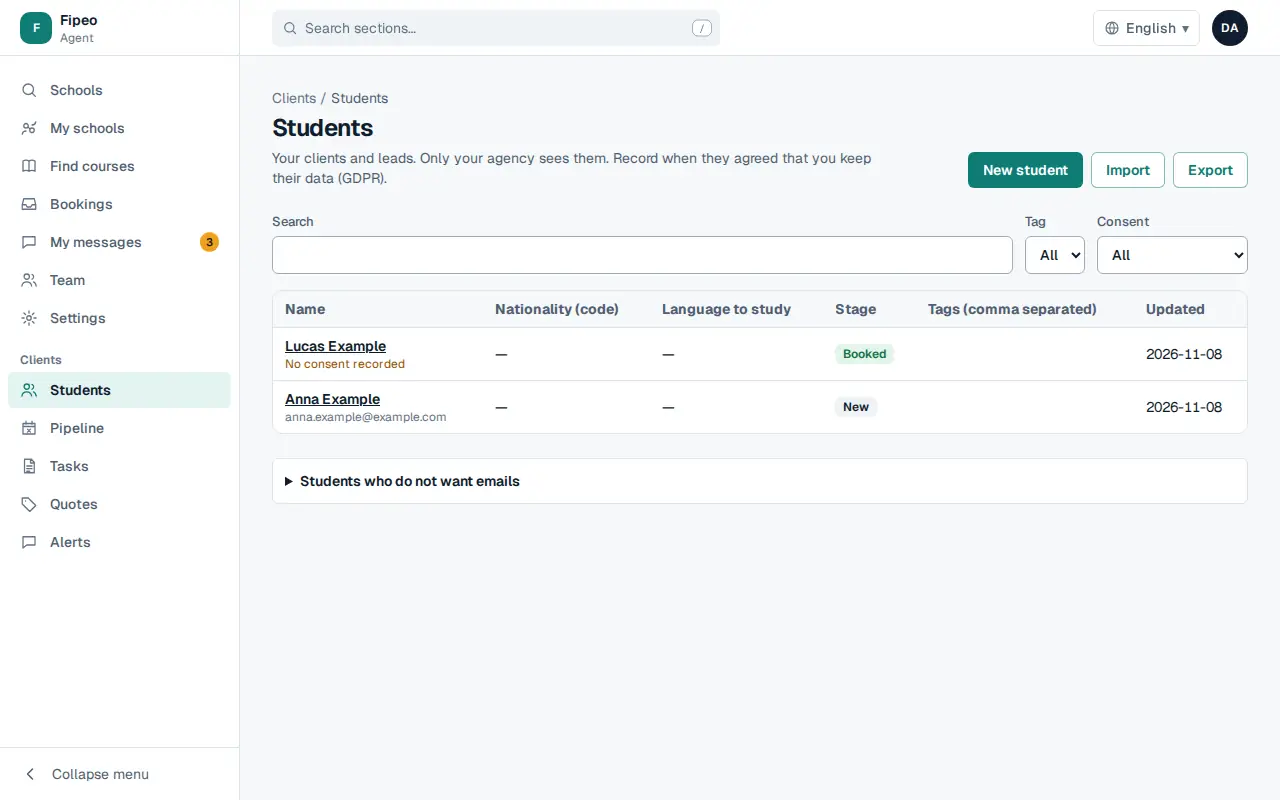
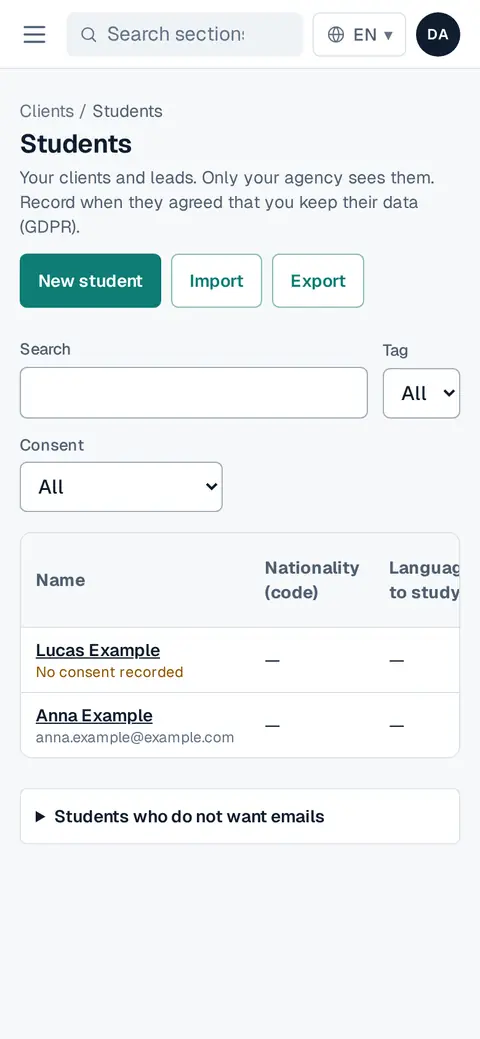
Screenshot: Go to Students and press New student. Record their details and how they agreed that you keep their data. Open a student to see their history, tasks and quotes.
In Pipeline, each opportunity moves from New to Contacted, Quote sent, Booked or Lost. Quotes and bookings move it on their own.
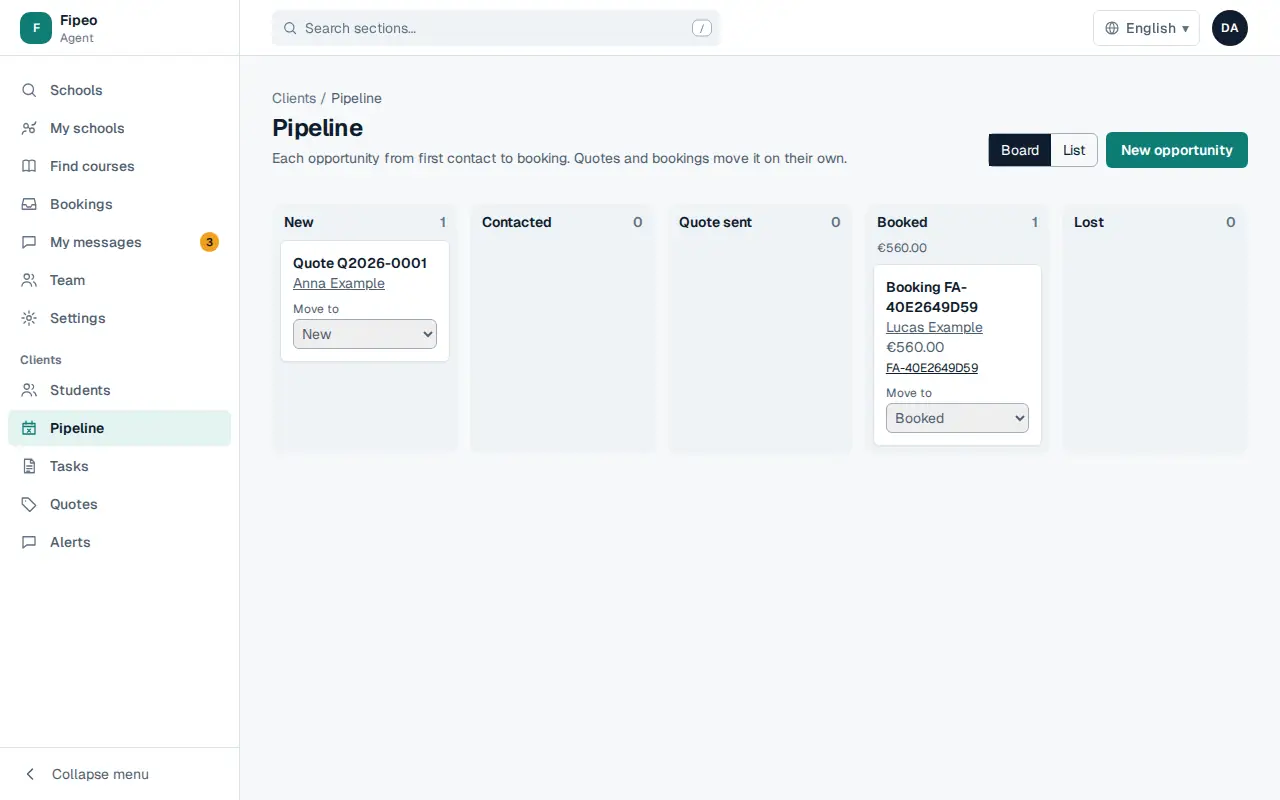
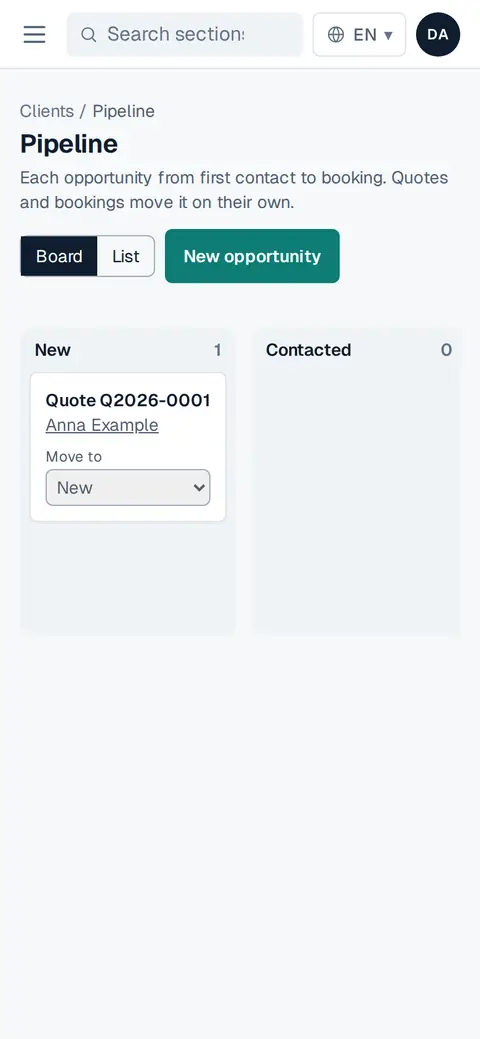
Screenshot: In Pipeline, each opportunity moves from New to Contacted, Quote sent, Booked or Lost. Quotes and bookings move it on their own. Use Board or List, and New opportunity to add one.
In Tasks create calls and follow-ups with a due date. When one is due you get an alert.
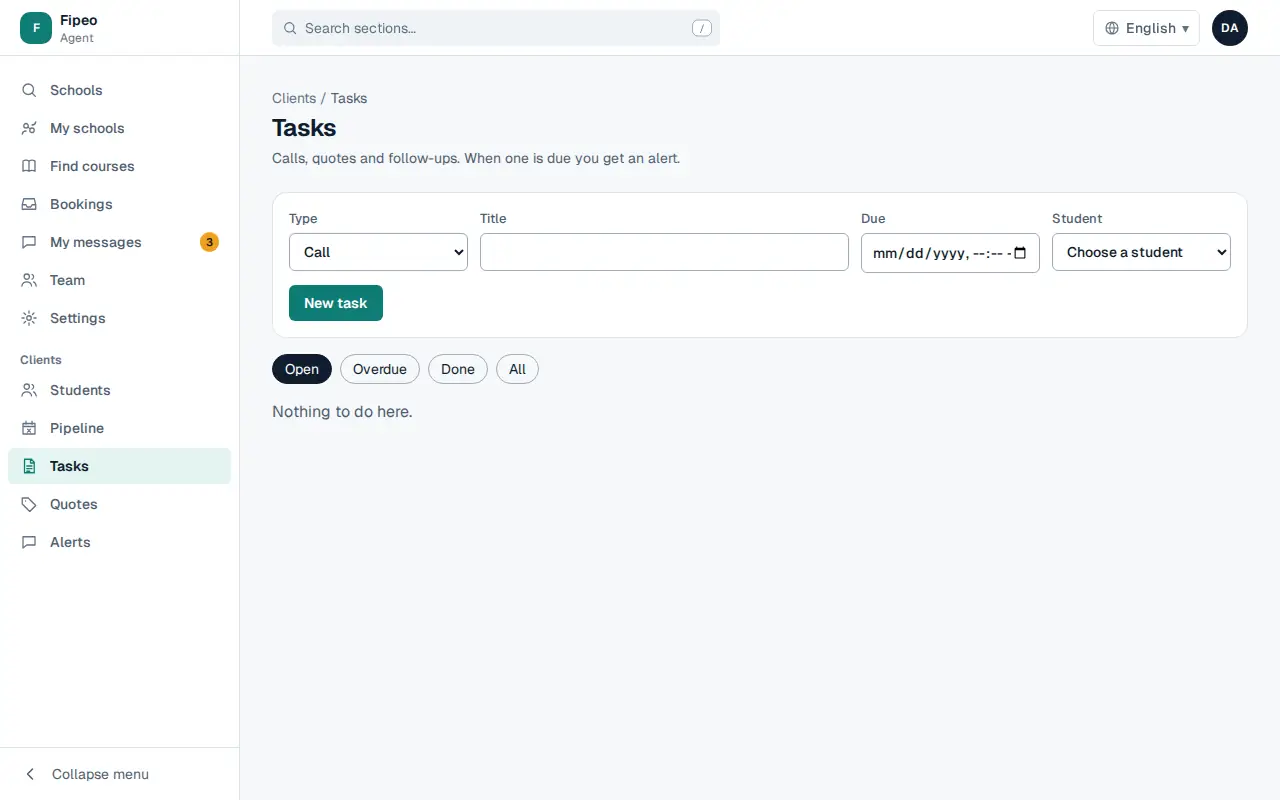
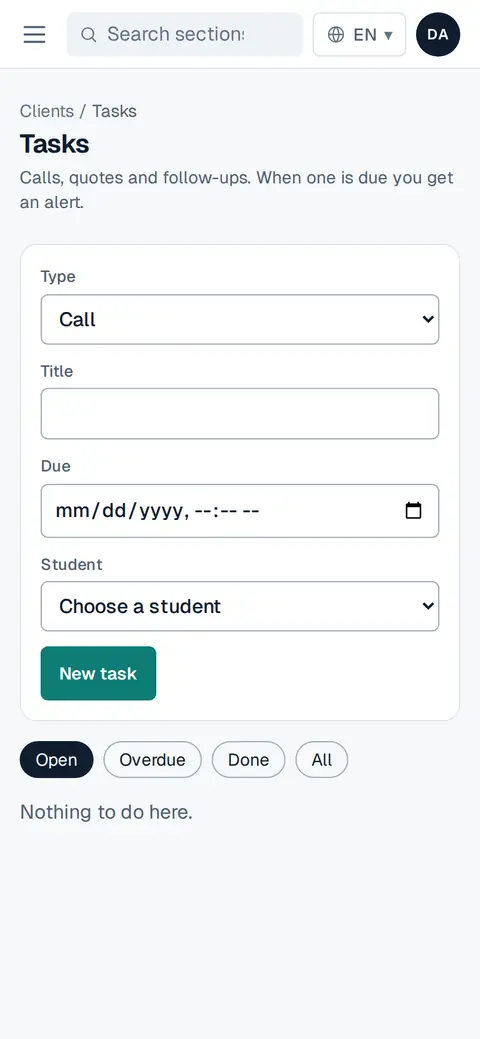
Screenshot: In Tasks create calls and follow-ups with a due date. When one is due you get an alert.