
Find schools
Search the directory of schools by country, city, language, course type and accreditation.
Steps
Go to Schools. Use the filters: name, country, city, language taught, course type, accreditation, student age and price per week.
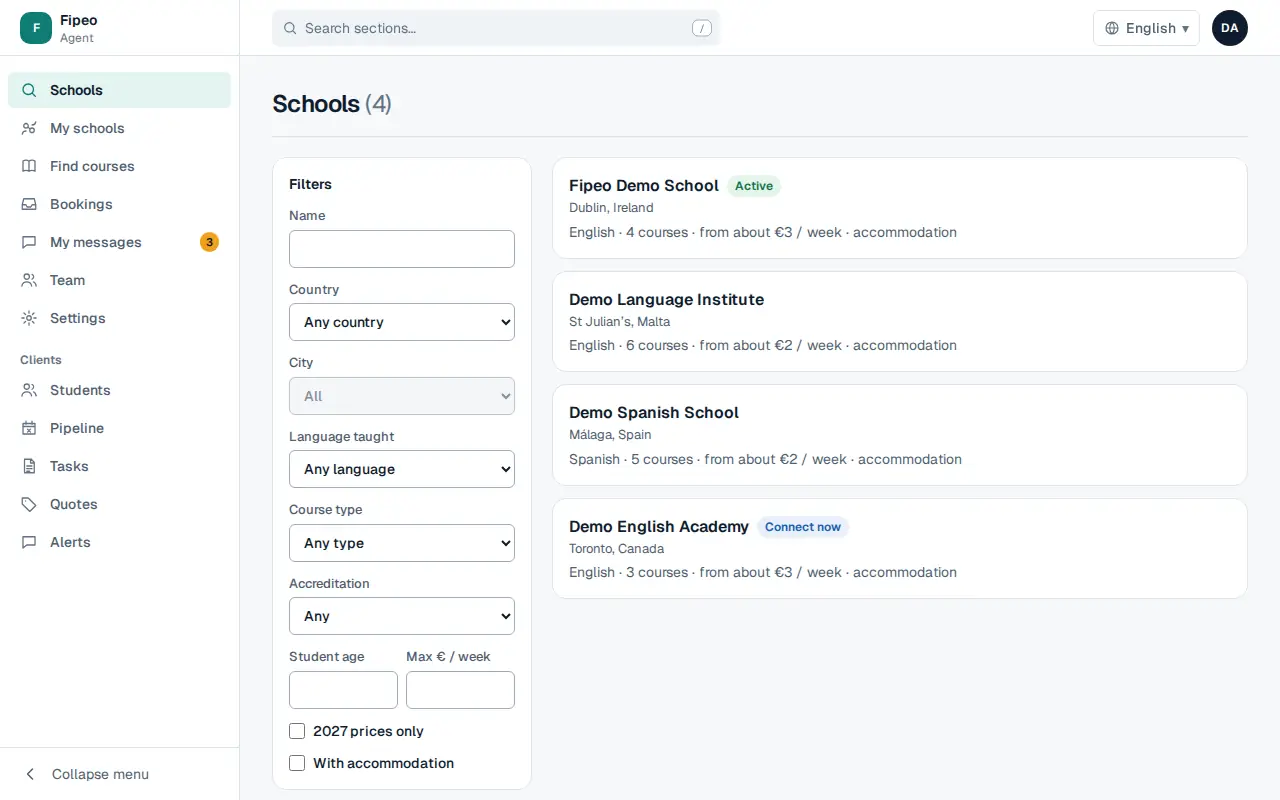
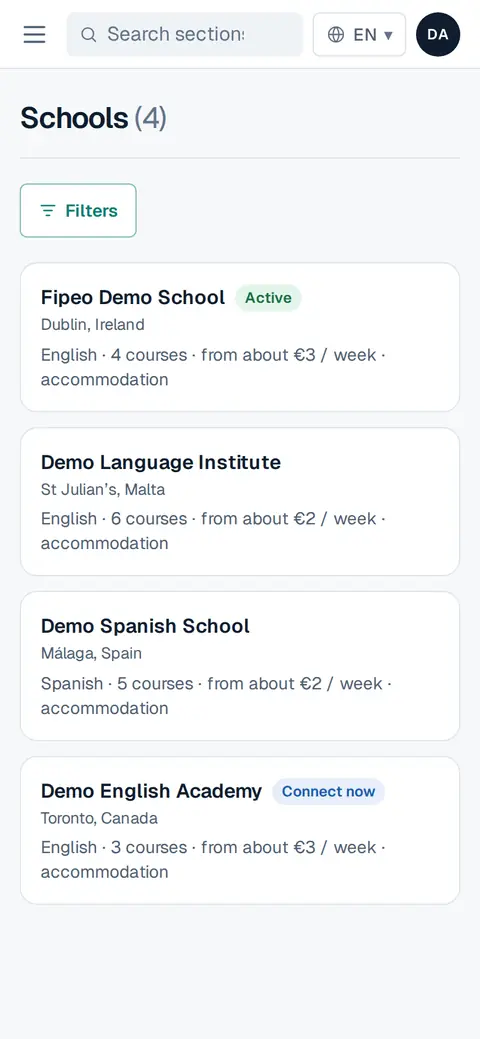
Screenshot: Go to Schools. Use the filters: name, country, city, language taught, course type, accreditation, student age and price per week. Each school shows its city, courses, a price from per week and whether it has accommodation.
Open a school to see its description, courses, accommodation and list prices.
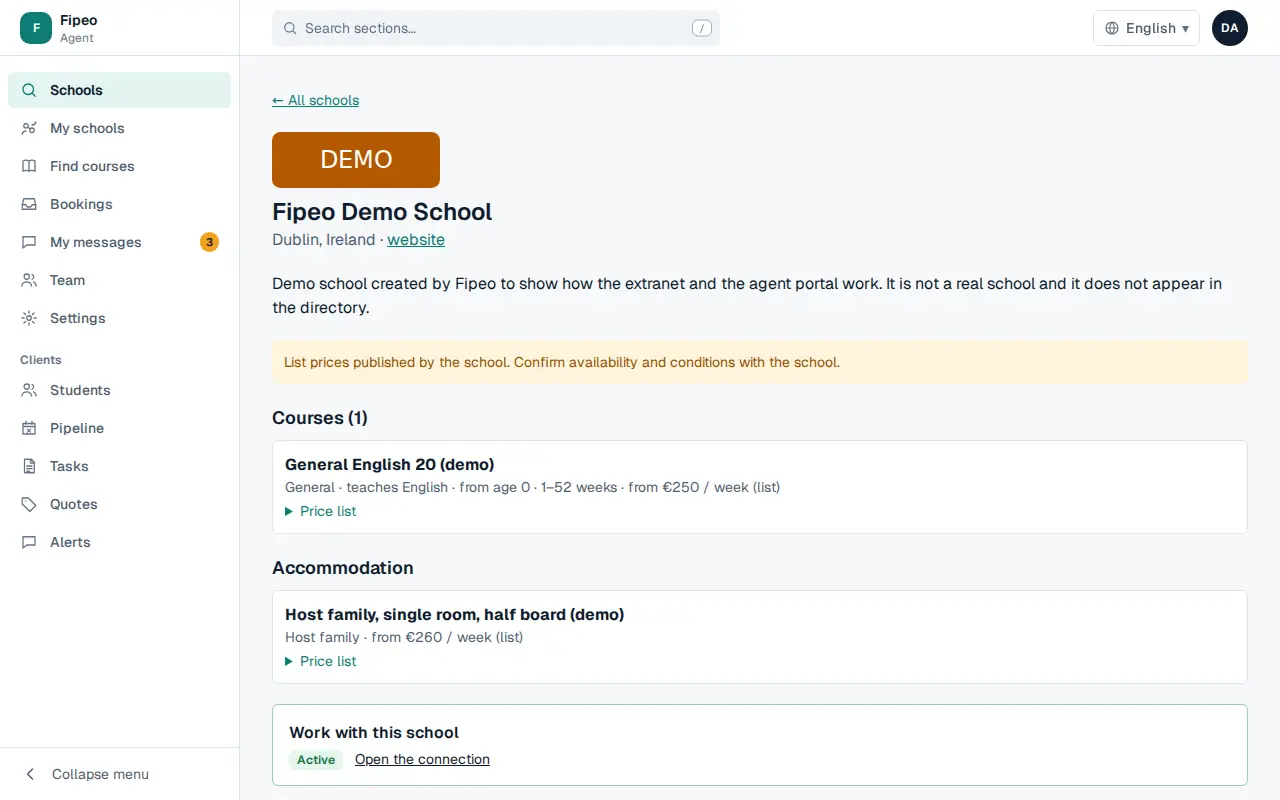
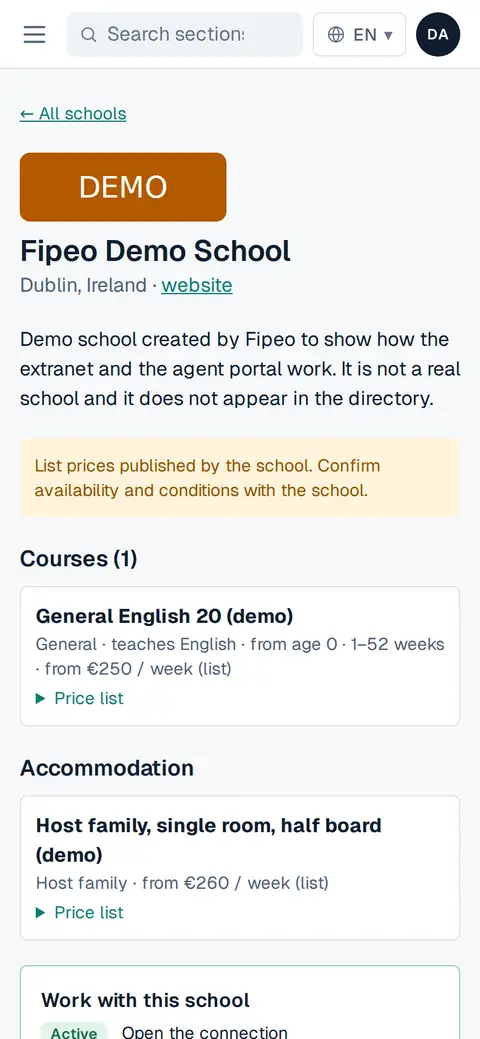
Screenshot: Open a school to see its description, courses, accommodation and list prices. To work with it, use Work with this school (see «Connect with a school»).