
Places and stop sell
Say how many places you have, keep some for a channel or an agency, and close sales on full dates.
Short video without sound. Subtitles are on; you can change the language in the player.
Steps
Go to Places. This step is optional: without places, you confirm every booking yourself.
Press + Add and choose the course or accommodation, the start dates and, if you want, the level.
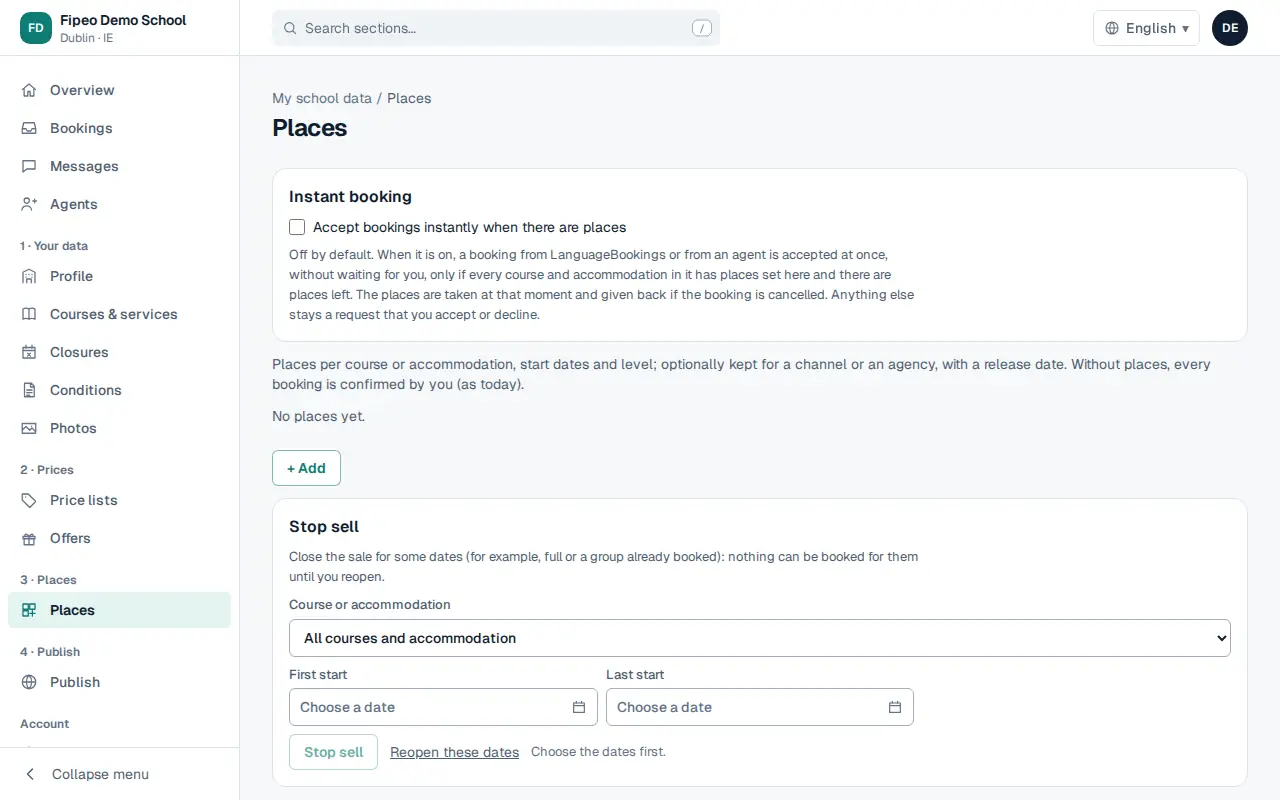
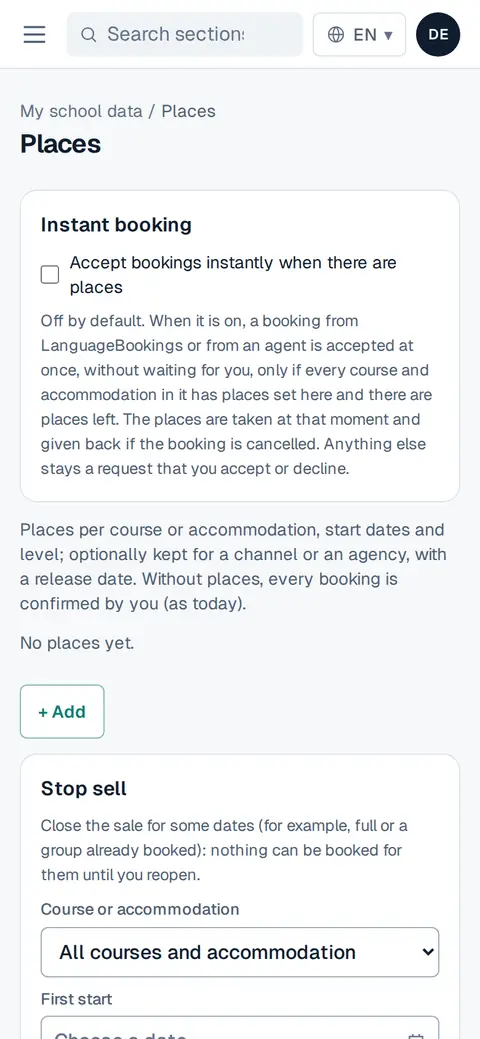
Screenshot: Press + Add and choose the course or accommodation, the start dates and, if you want, the level. Say how many places there are. You can keep some for a channel or an agency until a release date: after that they return to general sale.
Save. Agents see «Places available», «On request» or «Sold out» when they search courses.
When you are full, use Stop sell: choose the course or accommodation and the first and last start, and press Stop sell. Use Reopen these dates to sell again.
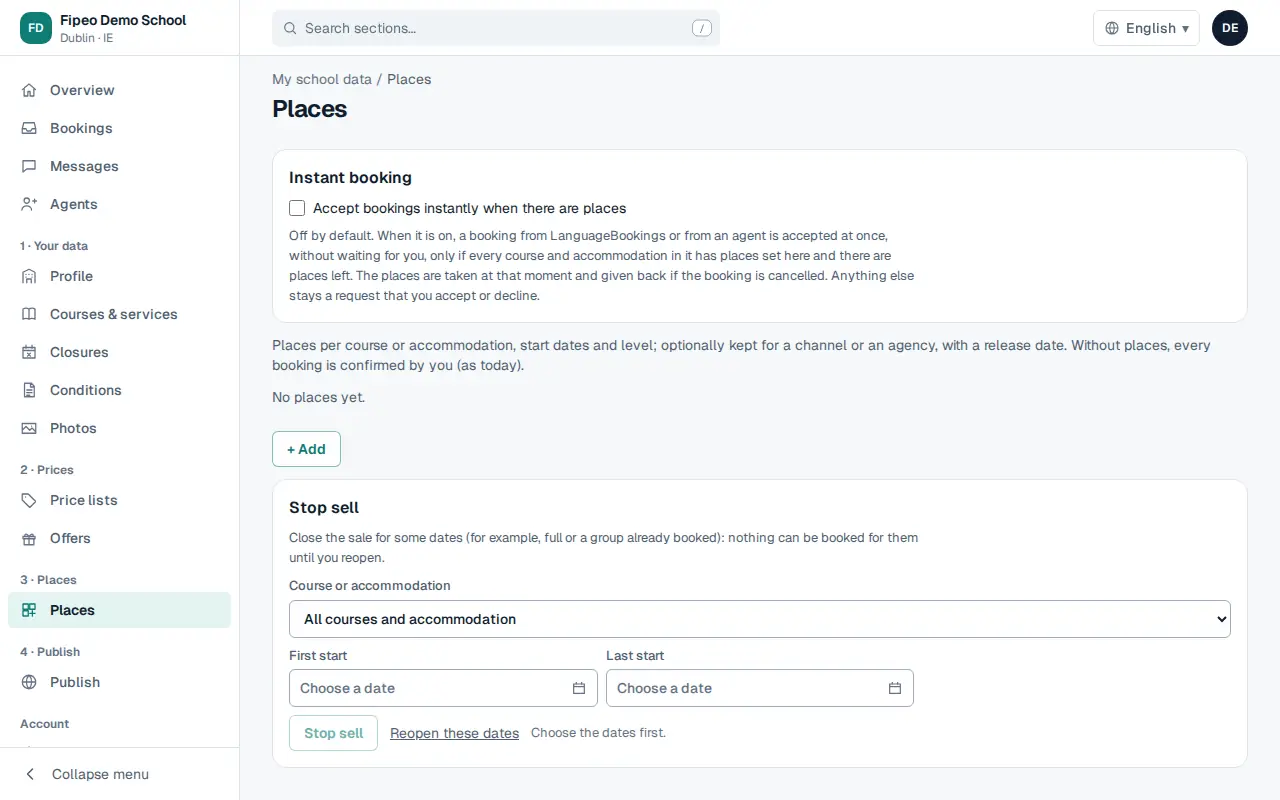
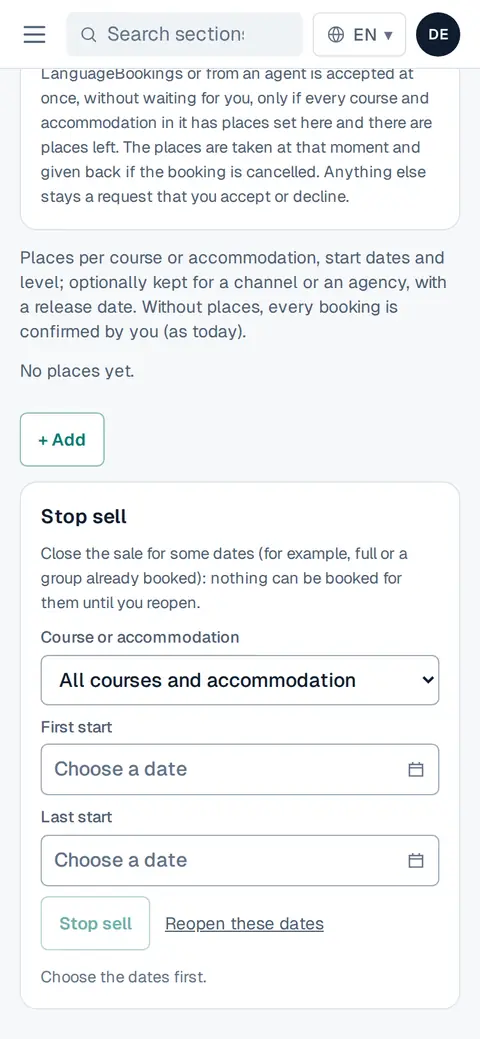
Screenshot: When you are full, use Stop sell: choose the course or accommodation and the first and last start, and press Stop sell. Use Reopen these dates to sell again.