
Instant booking
Accept bookings automatically when there are places, without confirming each one.
Steps
Load your places first (see «Places and stop sell»).
In Places, under Instant booking, tick Accept bookings instantly when there are places.
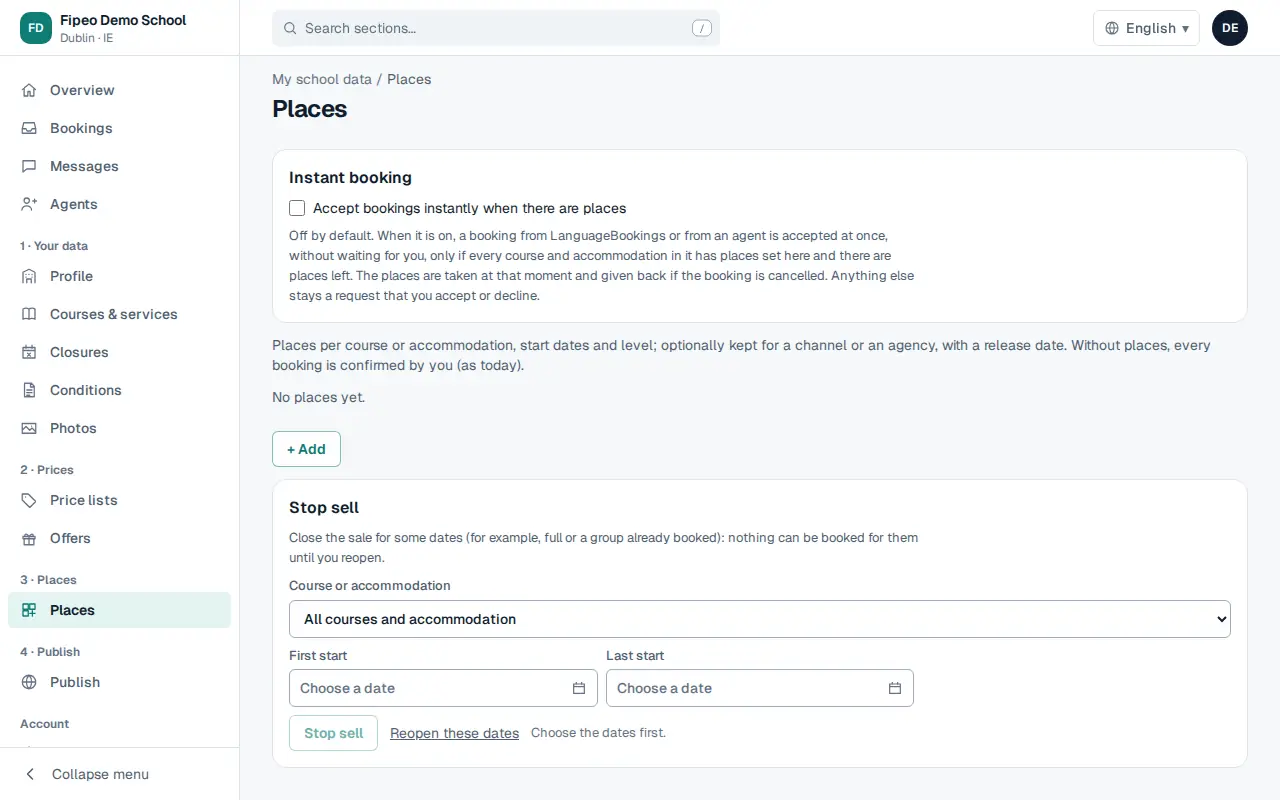
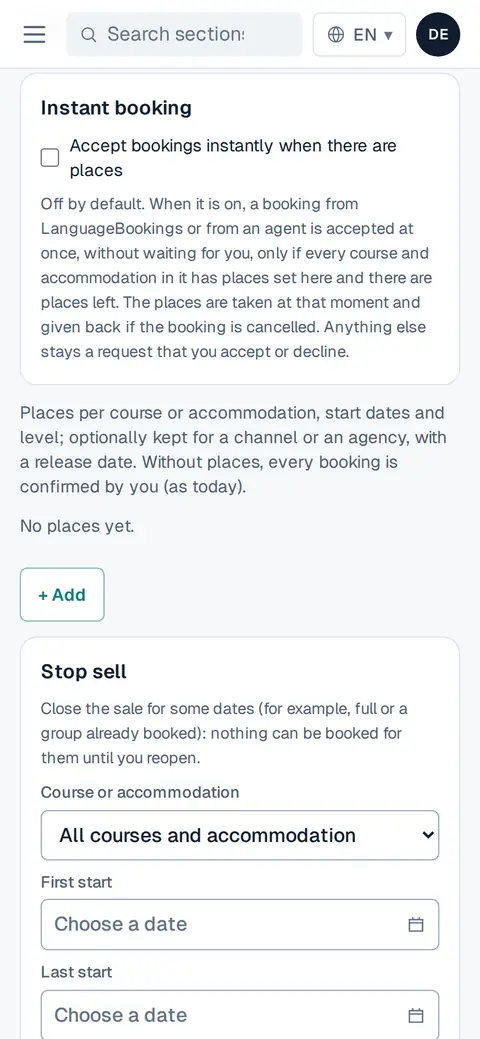
Screenshot: In Places, under Instant booking, tick Accept bookings instantly when there are places. From then on, a booking for a date with free places is confirmed straight away; the rest stay «on request» for you to answer.
You can also choose instant booking per agent when you agree conditions with them.