
Invite your agents
Bring the agents you already work with: they get an email with your conditions and connect in one click.
Short video without sound. Subtitles are on; you can change the language in the player.
Steps
Go to Agents. In Invite your agents you see the invitations you have sent.
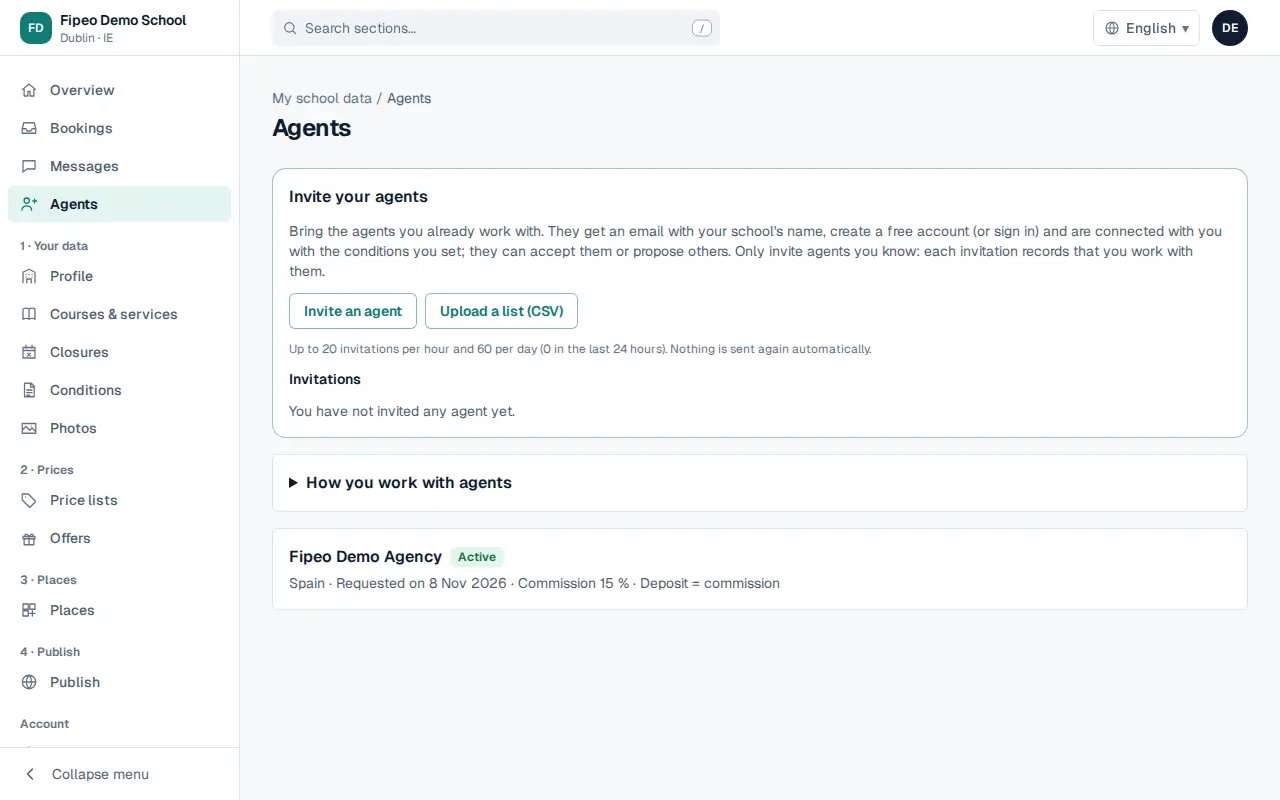
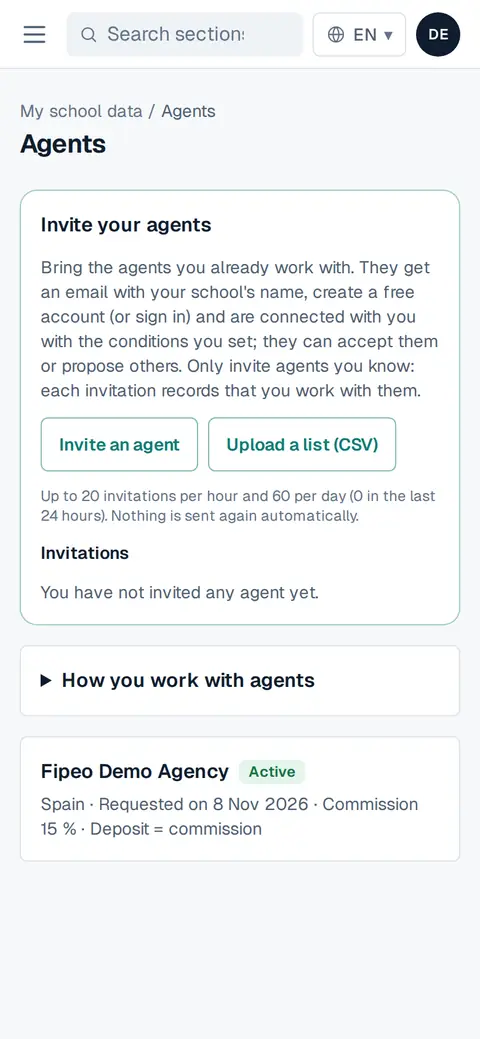
Screenshot: Go to Agents. In Invite your agents you see the invitations you have sent. Press Invite an agent to invite one, or Upload a list (CSV) to invite several (one agent per row; download the template).
Fill in the agency, contact person, email, country and language of the email, and the conditions you propose: commission, deposit and how payments work. Add a personal message if you want.
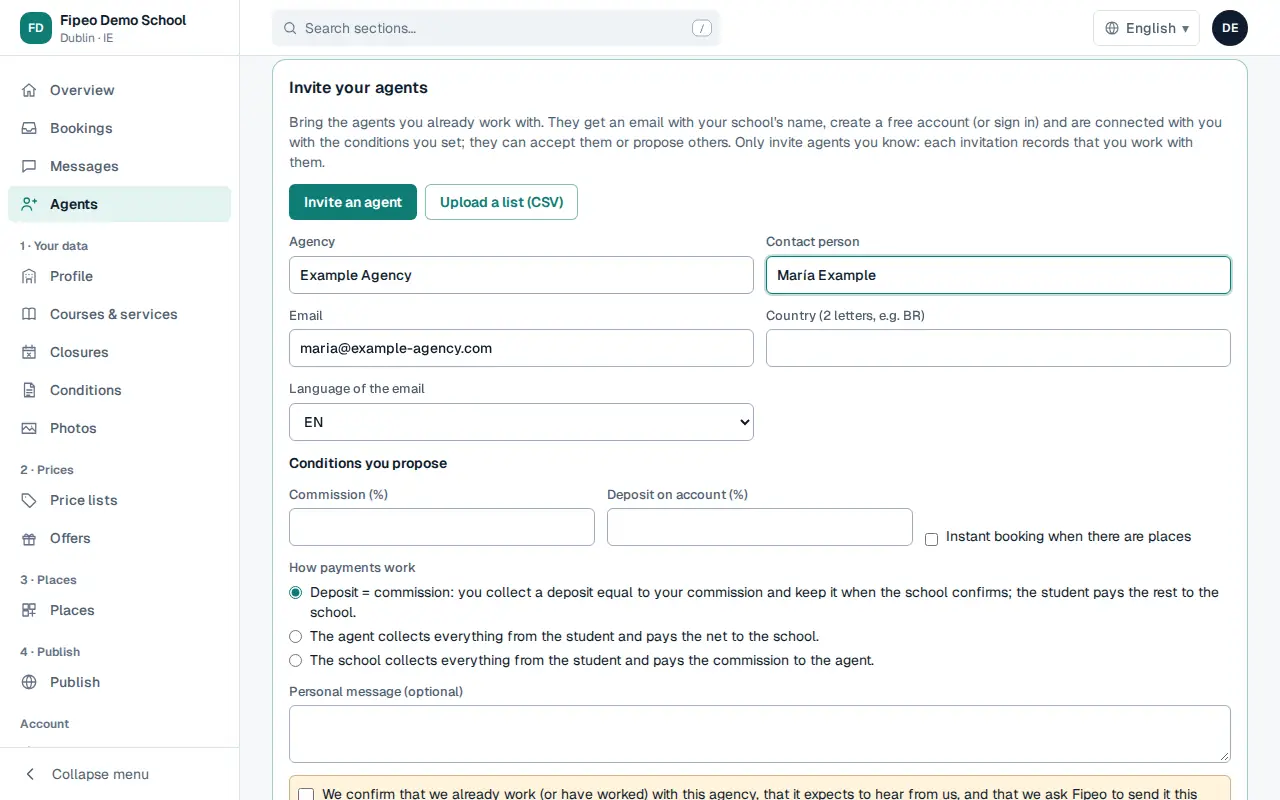
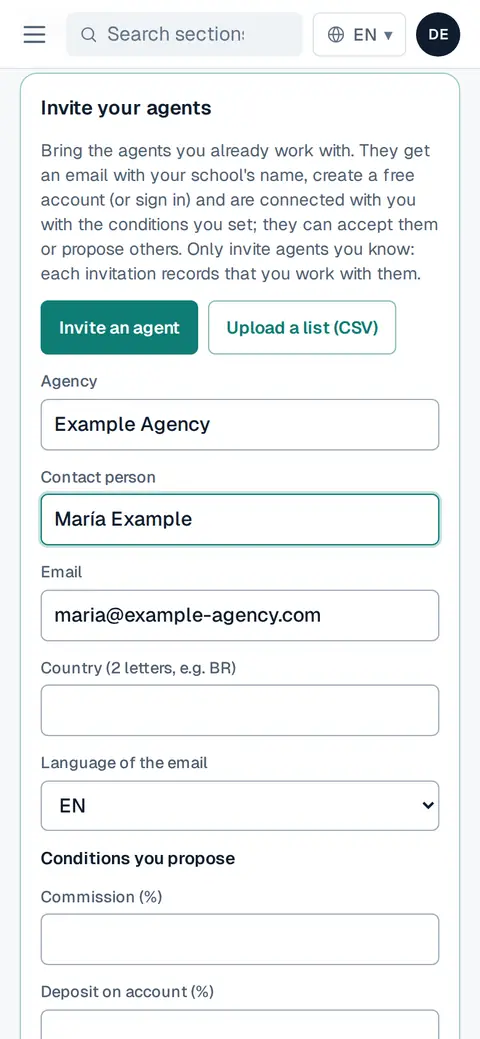
Screenshot: Fill in the agency, contact person, email, country and language of the email, and the conditions you propose: commission, deposit and how payments work. Add a personal message if you want. Confirm that you already work with this agency and send. The agent receives an email with your school's name and logo.
When they accept, they appear in the list as Active and can find your courses and book.