
Connections and commissions with agents
Accept, negotiate, pause or end the work with each agent and see what is owed between you.
Steps
Go to Agents and press an agent in the list.
You see How this connection is paid, the Agreed conditions (commission, instant booking, payment model) and the history.
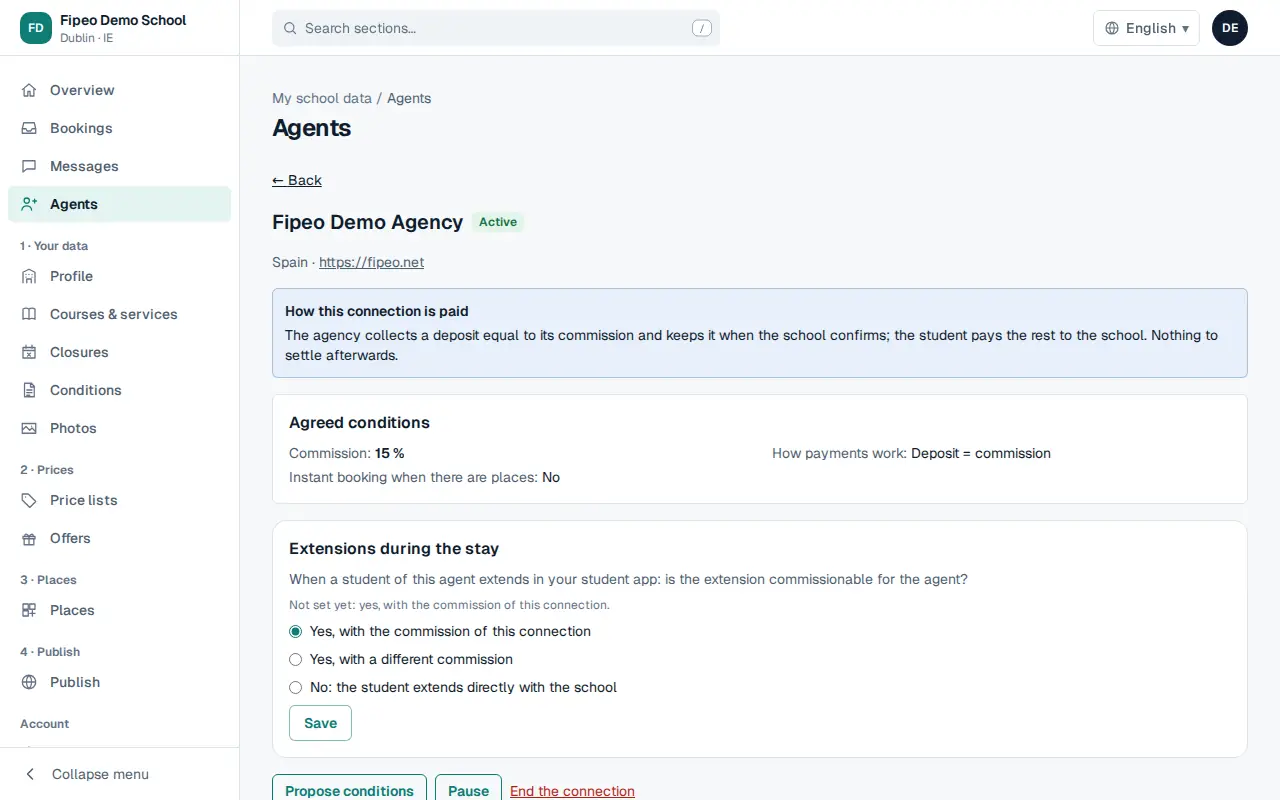
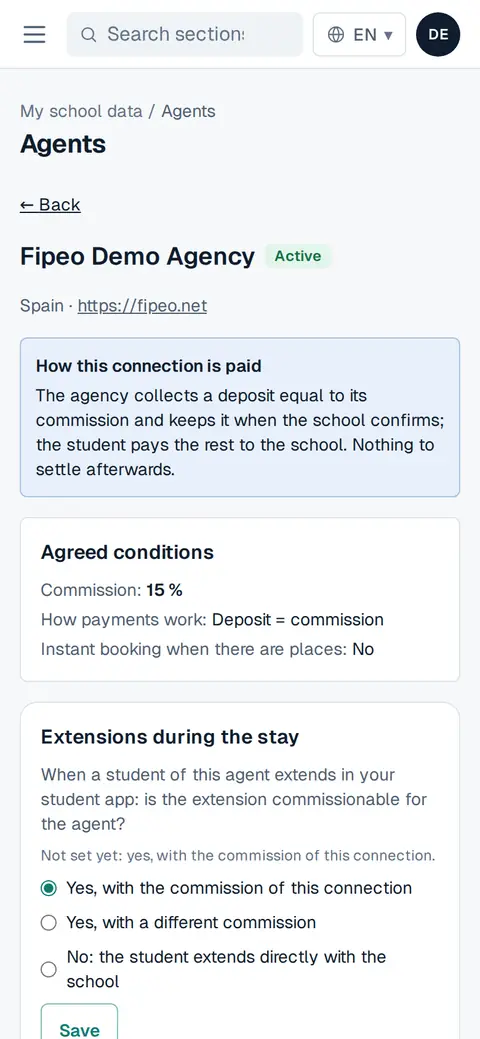
Screenshot: You see How this connection is paid, the Agreed conditions (commission, instant booking, payment model) and the history. If the agent asked to connect or proposed conditions, press Accept, Propose other conditions or Decline.
Use Pause or End the connection if you stop working together.
In Settlement ledger you see what each confirmed booking leaves owed. Fipeo does not move money: mark a payment as received when it arrives.