
Your team and roles
Invite colleagues and choose what each one can do.
Steps
Go to Team. You see who uses Fipeo in your agency and their role.
In Invite a colleague, write their name and email, choose the Role (Administrator, Agent, Read only or Finance) and the language of the email, and press Send invitation.
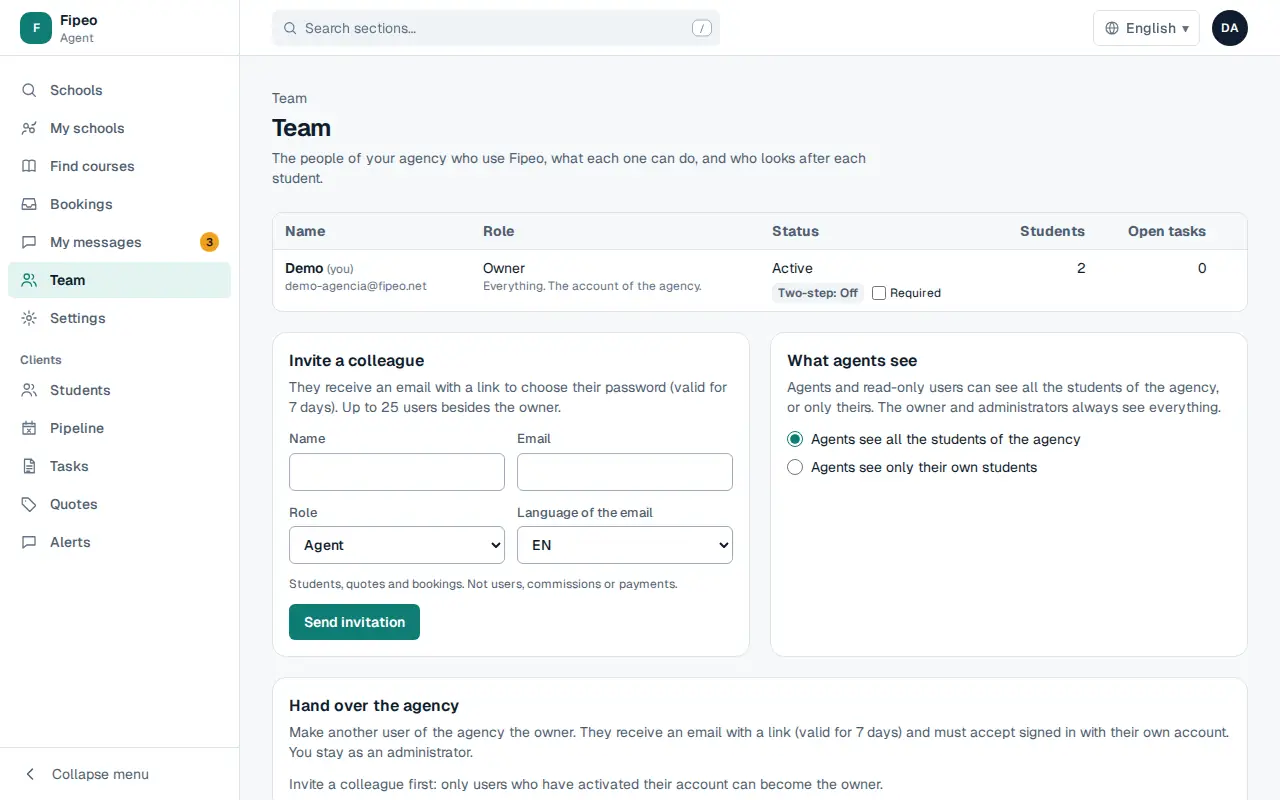
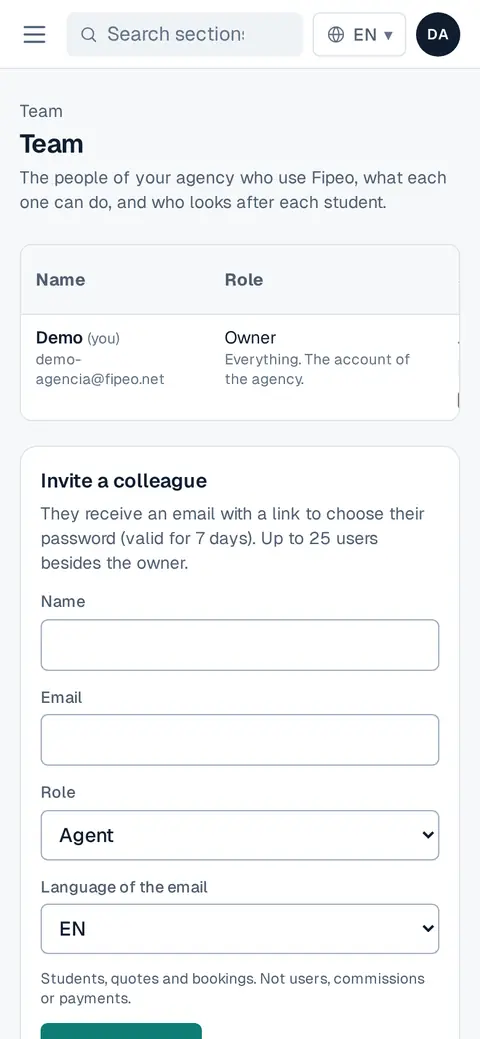
Screenshot: In Invite a colleague, write their name and email, choose the Role (Administrator, Agent, Read only or Finance) and the language of the email, and press Send invitation. In What agents see, choose whether agents see all the students of the agency or only their own.
Hand over the agency makes another user the owner. In Two-step verification you can require it for everyone.