
Your brand on quotes
Your logo, colours and contact details on the quotes your students receive.
Steps
Go to Settings.
In Your brand on quotes, fill in the name shown, email, phone, website and address, and choose your colours.
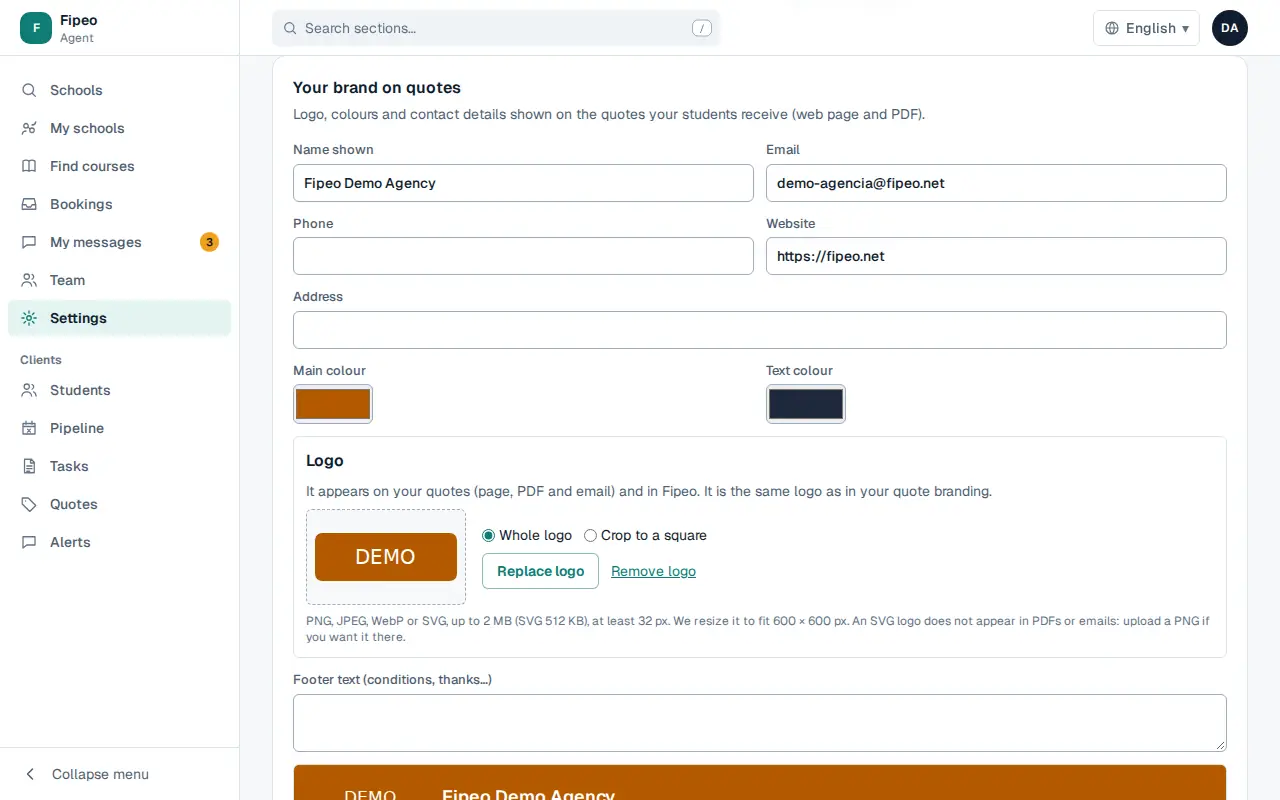
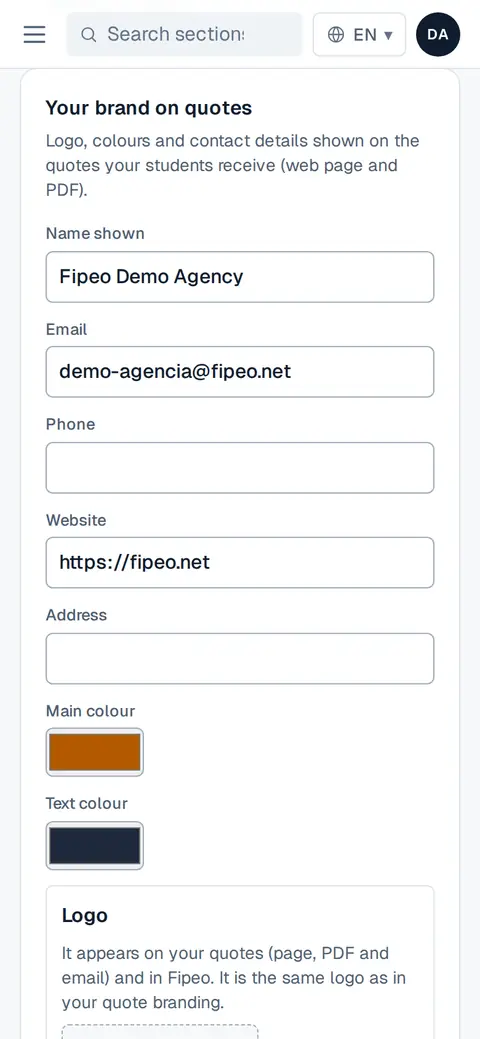
Screenshot: In Your brand on quotes, fill in the name shown, email, phone, website and address, and choose your colours. Upload your Logo and write the footer text (conditions, thanks…). Press Save.