
Create a quote and send it
Put together options from your schools for a student and send them with your brand.
Short video without sound. Subtitles are on; you can change the language in the player.
Steps
In Find courses, press Add to quote on a course.
Choose an open quote or New quote for… a student of your CRM, add accommodation or extras, and press Add to quote.
Open the quote. Add up to 5 options from different schools, who travels, your markup and the validity.
Screenshot: Open the quote. Add up to 5 options from different schools, who travels, your markup and the validity. Check it with Download PDF or the preview.
Press Send to the student by email (with your brand; replies go to your email) or Get the link to send it another way.
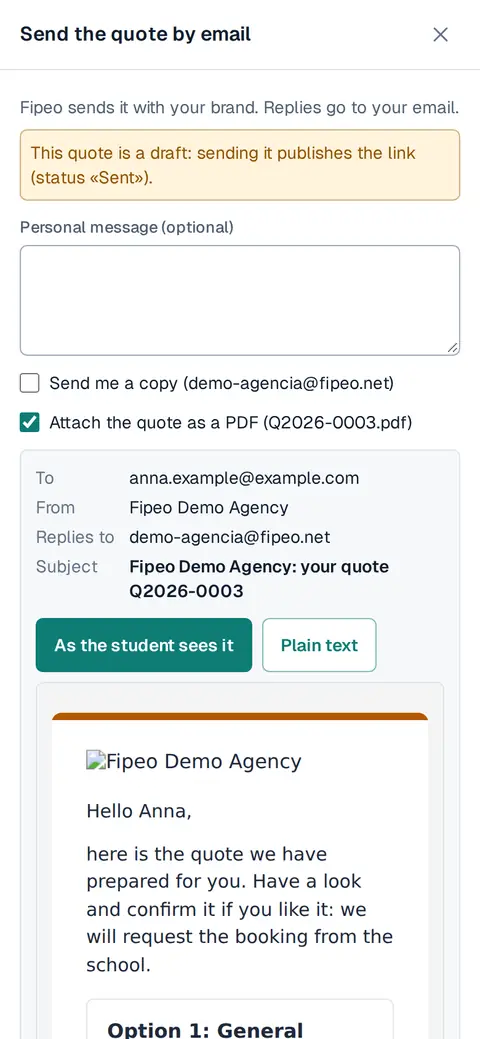
Screenshot: Press Send to the student by email (with your brand; replies go to your email) or Get the link to send it another way.