
Book a course
Send a booking request (or book instantly) for one or more students.
Short video without sound. Subtitles are on; you can change the language in the player.
Steps
In Find courses, choose the dates and press Request booking (or Book).
Choose who travels: a student of your CRM or a new one (it is added to your CRM). Add other students if they travel together.
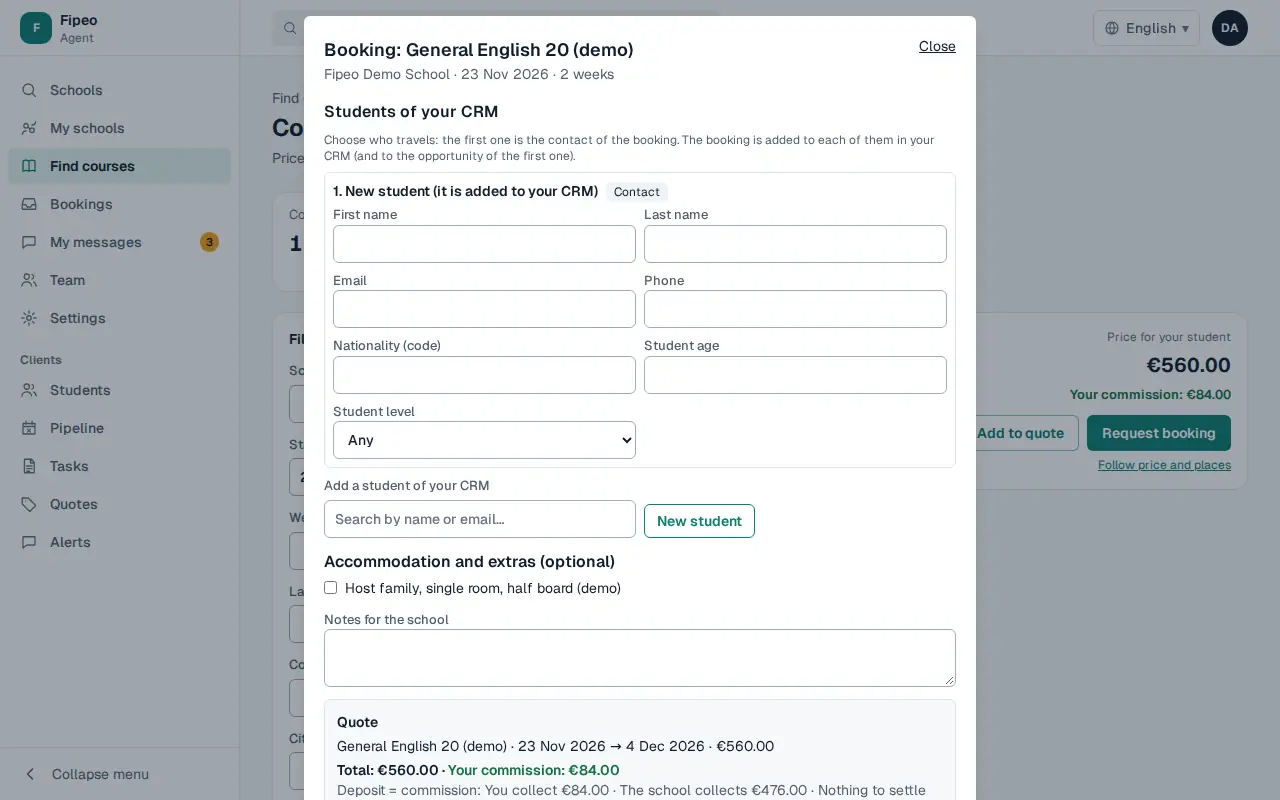
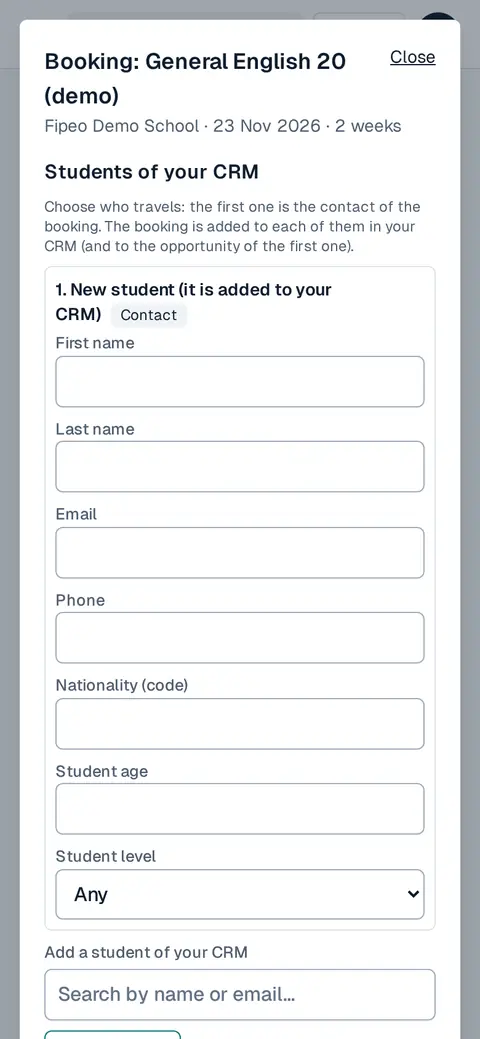
Screenshot: Choose who travels: a student of your CRM or a new one (it is added to your CRM). Add other students if they travel together. Add accommodation or extras and notes for the school, check the quote and send.
Follow it in Bookings: the school accepts, declines or proposes an alternative, usually within 24 hours.
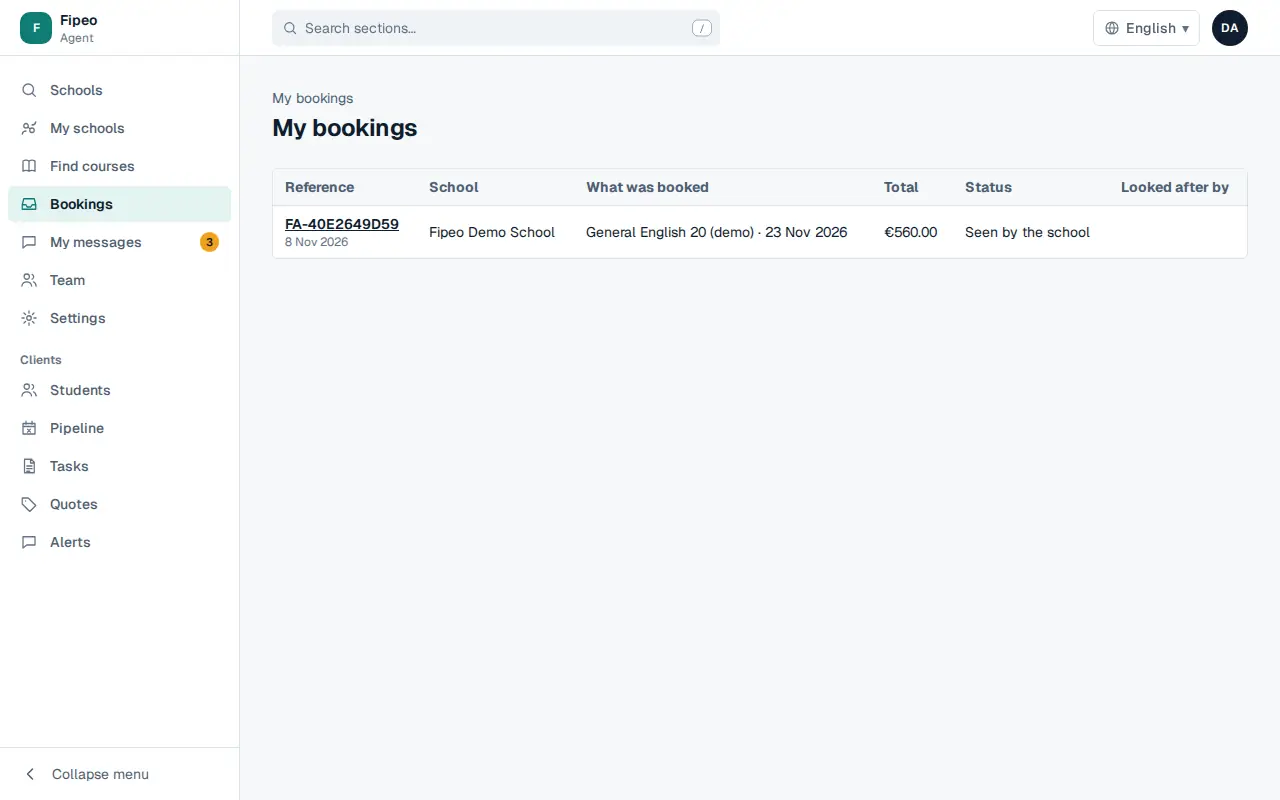
Screenshot: Follow it in Bookings: the school accepts, declines or proposes an alternative, usually within 24 hours. When it is confirmed, the booking shows how the student pays the school.