
Offers and discounts
Create offers (for example, a discount on long courses) and decide how they affect the agent commission.
Steps
Go to Offers.
Press + New offer or discount. In What is it? choose a Promotion (a special offer for some dates: summer, early booking…) or a Discount (permanent: long stays, returning students…). Choose what it applies to and the amount, and save.
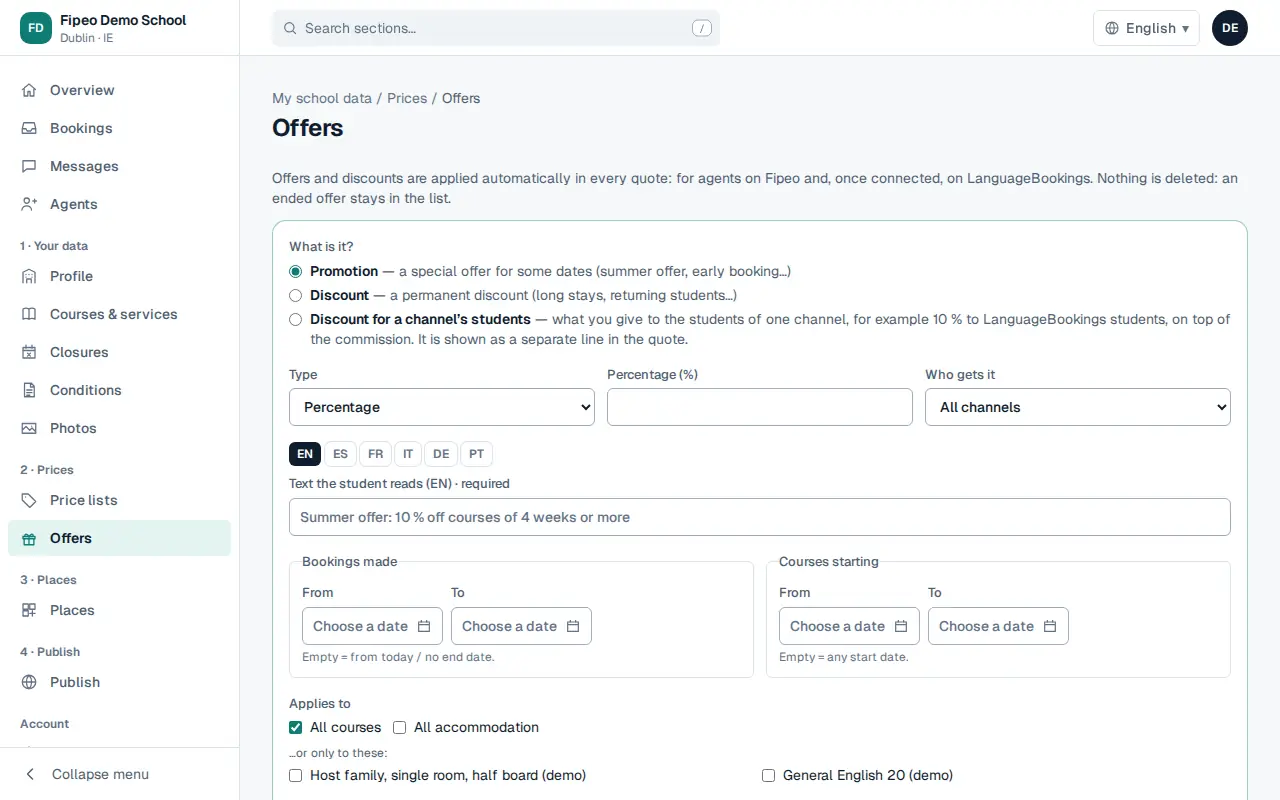
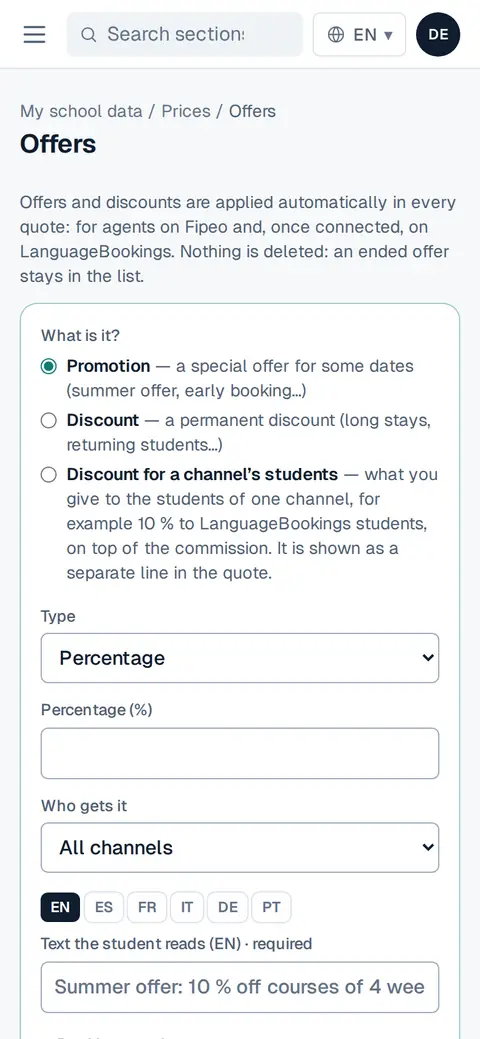
Screenshot: Press + New offer or discount. In What is it? choose a Promotion (a special offer for some dates: summer, early booking…) or a Discount (permanent: long stays, returning students…). Choose what it applies to and the amount, and save. In Commission: on the discounted price or on the list price? choose how agents are paid when an offer applies, and press Save.