
Messages with agents
Talk to agents and channels about a booking or your connection, all in one place.
Steps
Go to Messages. Filter by Waiting for the school, Answered or Closed.
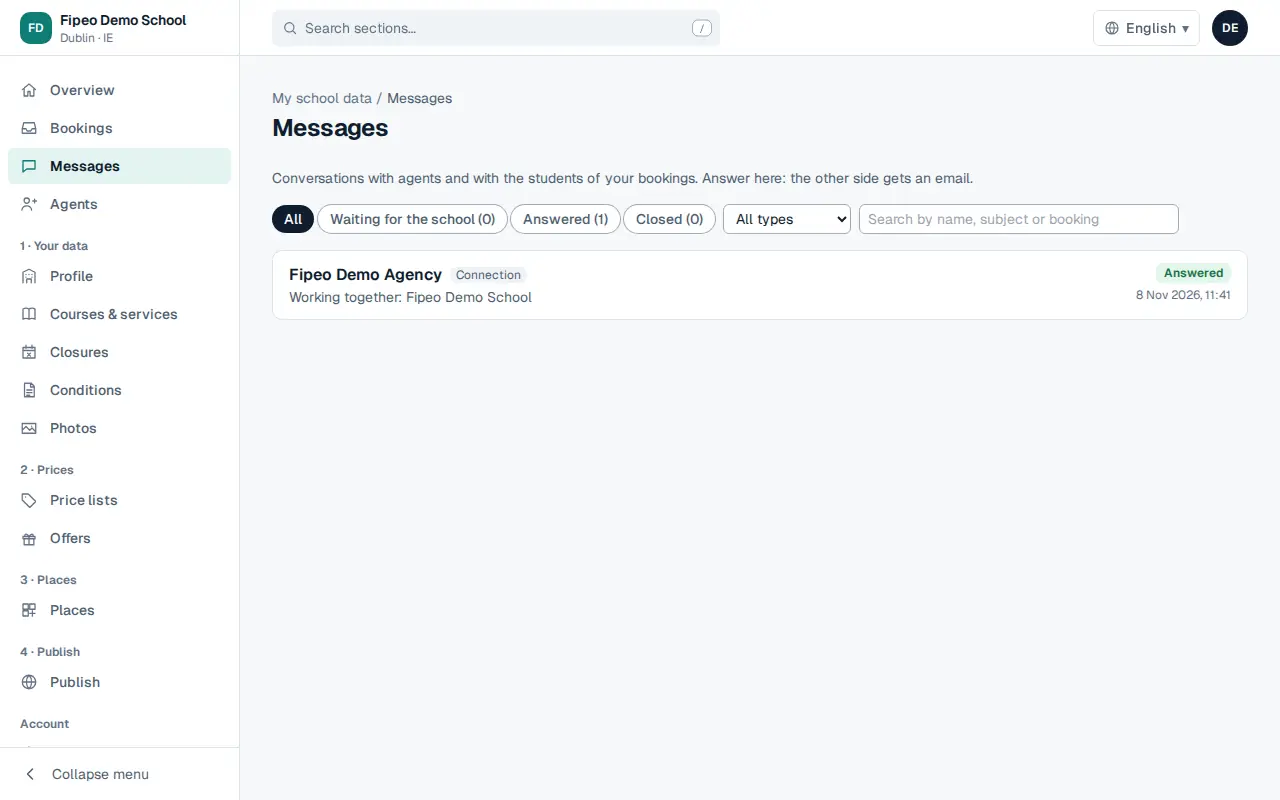
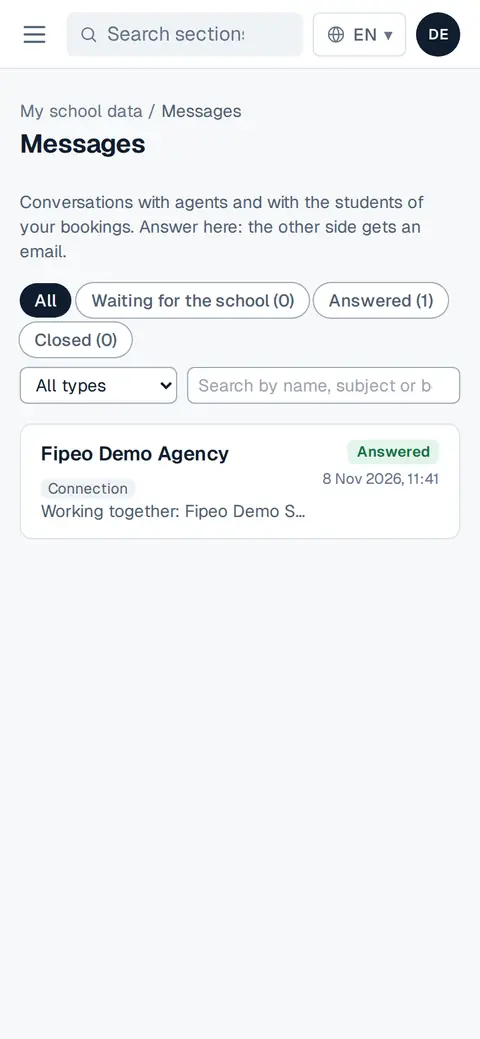
Screenshot: Go to Messages. Filter by Waiting for the school, Answered or Closed. Open a conversation, write your answer and send it. The agent gets an email.
Messages linked to a booking also appear in the booking.